
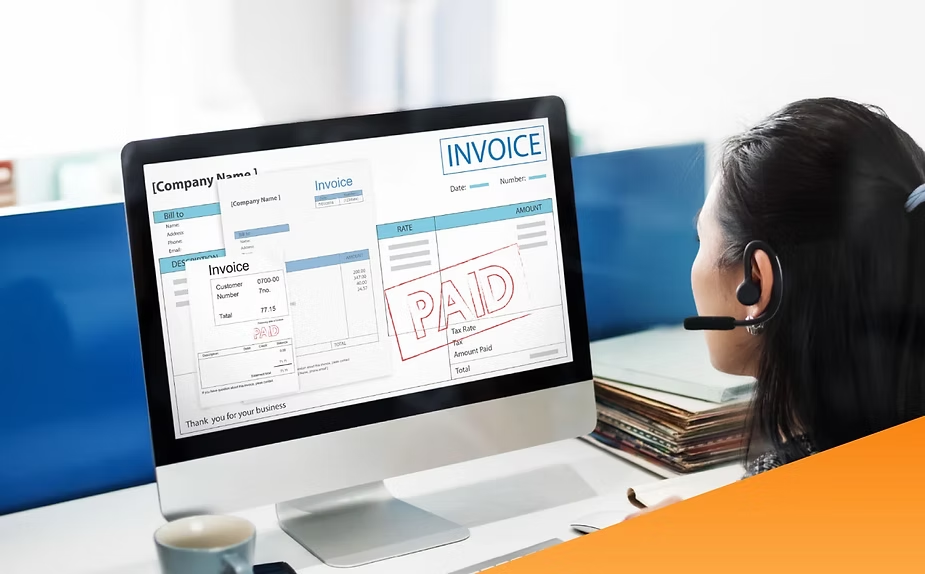
When running a business, there are many important things you need to consider. Beyond just generating profits, you also need to understand the right promotional strategies and how to create a proper invoice.
The reason is that invoices play a crucial role in recording transactions and all payments. The following article will discuss the definition of invoices and how to properly create them for your business.

What is an Invoice?
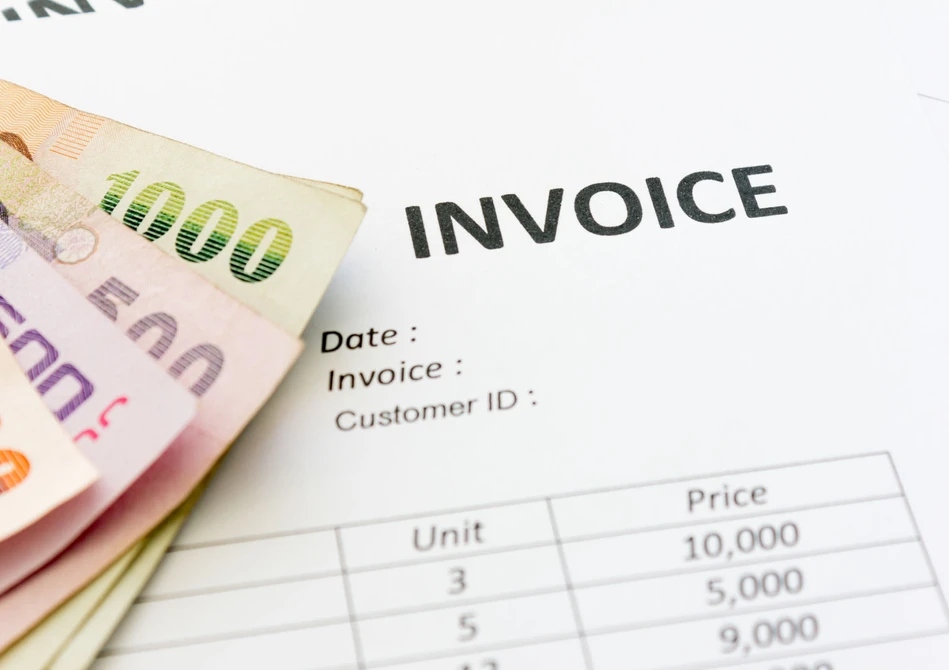
Simply put, an invoice is a bill or document used for the purposes of sending bills to consumers or customers for products purchased or services used.
Typically, an invoice is created by the service provider or seller to the customer after completing the transaction as agreed.
The purpose of creating an invoice is to provide clear and legal proof of the products purchased or services used by the customer, along with the amount that must be paid.
The invoice itself includes a request to make payment with detailed information in the form of the number of products or services, transaction details, the names of the seller and buyer, the time and date of the transaction, and the payment deadline.
The Importance of Invoices for Business

Overall, having an invoice can make it easier for you to keep books, financial records, and reconciliations.
Here are some reasons why invoices are a business component you shouldn’t miss:
- An invoice acts as a legal and valid billing document from the seller to the customer in terms of payment.
- If there is a discrepancy between the price and quantity of goods purchased or used, the invoice can be a valid reference because it acts as proof of the purchase transaction.
- In addition, invoices also play an important role in monitoring business development accurately because they contain purchase records based on time periods.
- Invoices also play a role in making it easier for business owners to keep financial records.
Important Information That Must Be Written in an Invoice

As a business owner, you must be able to create accurate and professional invoices for your customers. Therefore, be sure to include the following important information when creating an invoice:
- Information about the company, including company name, full address, email, and tax number and contact number.
- Information about the customer, including the customer’s name, address, email, contact number, or company name if the customer is a company.
- Invoice date and number, its function is to make it easier for finance to track each transaction.
- Transaction details, including the name of the product or service, the quantity purchased or used, and the price of each product or service. Also include the amount the customer must pay.
- Payment deadline date, useful for providing information to customers so they can complete the transaction before the due date.
How to Create an Invoice

Depending on preferences and needs, invoice creation can be done either manually or online with the help of a special application or program.
Here’s how to create an invoice that you should pay attention to:
1. How to create a manual innovation using a spreadsheet
The first method is to create an invoice manually using a spreadsheet. You can use Microsoft Excel, Google Sheets, or other similar applications.
If you’re creating an invoice the traditional way, make sure all the information you’ve entered is accurate. It’s a good idea to double-check to ensure everything is correct.
- Access Google Sheets or Microsoft Excel
After selecting the application you want to use, create a new file and then choose an invoice template from the system based on your preferences and needs. You can use this template as a starting point for creating invoices using conventional methods.
- Replace information in the template
After selecting the right template, the next step is to replace some of the data or information already written in the template.
Information that needs to be changed includes the name of the seller and customer, transaction date, transaction type (whether purchasing a product or using a service), payment deadline, product quantity, and the amount to be paid.
Make sure you write down all important information, such as the amount due, the payment date, the seller’s and customer’s names, correctly. Also, ensure the quantity of items purchased and the unit price for each product are accurately recorded.
After you have written all these sections, set the currency you use for transactions.
To do this, click on the bold text in the Amount column, then select the Format Cells menu, then select the Currency menu and OK to save all the data changes you have made.
2. How to create an invoice with the help of an online program
The next way to create an invoice is to take advantage of the help of online programs that are widely available.
This second method is often chosen because creating invoices manually is inherently more time-consuming. You have to enter data one by one and ensure all data is accurate.
To shorten this process and make business operational activities more efficient, creating invoices using an online program is a practical solution.
This program will help you complete your work faster and minimize the potential for errors, especially if you have to create multiple invoices in a single day.
By using online programs, you can not only create invoices faster and easier, but also enable automatic invoice creation.
Especially if you use the payment link service which makes the transaction process easier for customers.
To simplify the transaction and record-keeping process, you can use Labamu. It offers a POS Cashier feature with multiple transaction methods to suit your customers’ preferences.
In addition, this feature is integrated with financial reports, so all transactions will be recorded immediately.
Last but not least, Labamu also supports other features like Managing Raw Materials, a Desktop App, and Offers. Let’s use Labamu now!