Labamu

Hello, how can we help you?

Receive Orders from QR Menu or Table QR

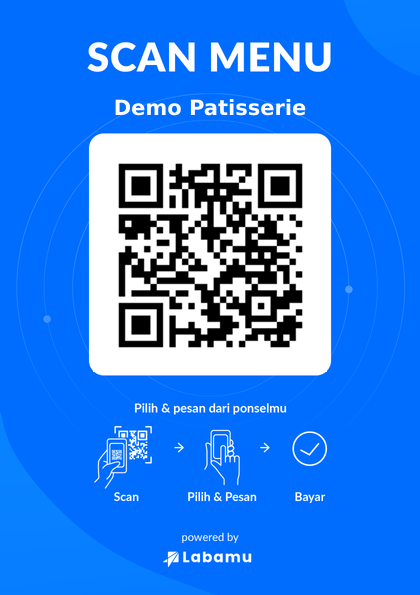
Order Management is a feature for Labamu users to receive orders from customers. Labamu users who have the Order Management feature will gain access to one QR Menu and several Table QR slots. Each Table QR will be assigned a specific number based on the number of Table QR slots available to the user, for example, Table 01, Table 02, and so on. Customers can scan the QR Menu or Table QR via their devices and will be directed to the Labamu user’s Online Menu.

Feature Eligibility:

  1. Only users with Pro membership have the Order Management feature.
  2. Users with Premium membership can obtain the Order Management feature after purchasing the Order Management add-on through Sales or Labamu Customer Service.

Users:

  1. Labamu users can access the Order Management feature, as well as share or print the QR Menu and Table QR.

  2. Sales and Customer Service can submit requests to activate the Order Management feature for users with Premium membership who have purchased the Order Management Add-On.

  3. Customers can access the Online Menu to view the product catalog and place orders after scanning the QR Menu or Table QR.

QR Menu

Table QR

Recommended Help For You

Loading posts...

🚀 Grow Smarter with Labamu

Labamu helps your business streamline operations, boost sales, and grow with ease.

Choose the right plan and start growing today.