
Effective sales management is key to business success. In this regard, a POS (Point of Sale) application isn’t just a place to store money, but rather a digital system that helps record transactions, manage customers, and even generate reports automatically.
Unlike manual cash registers that rely on handwritten notes or simple calculators, POS applications offer a modern, faster, more accurate, and more efficient way to support business growth. So, be sure to read this article to the end, Labamu Friends!
Getting to Know the POS System
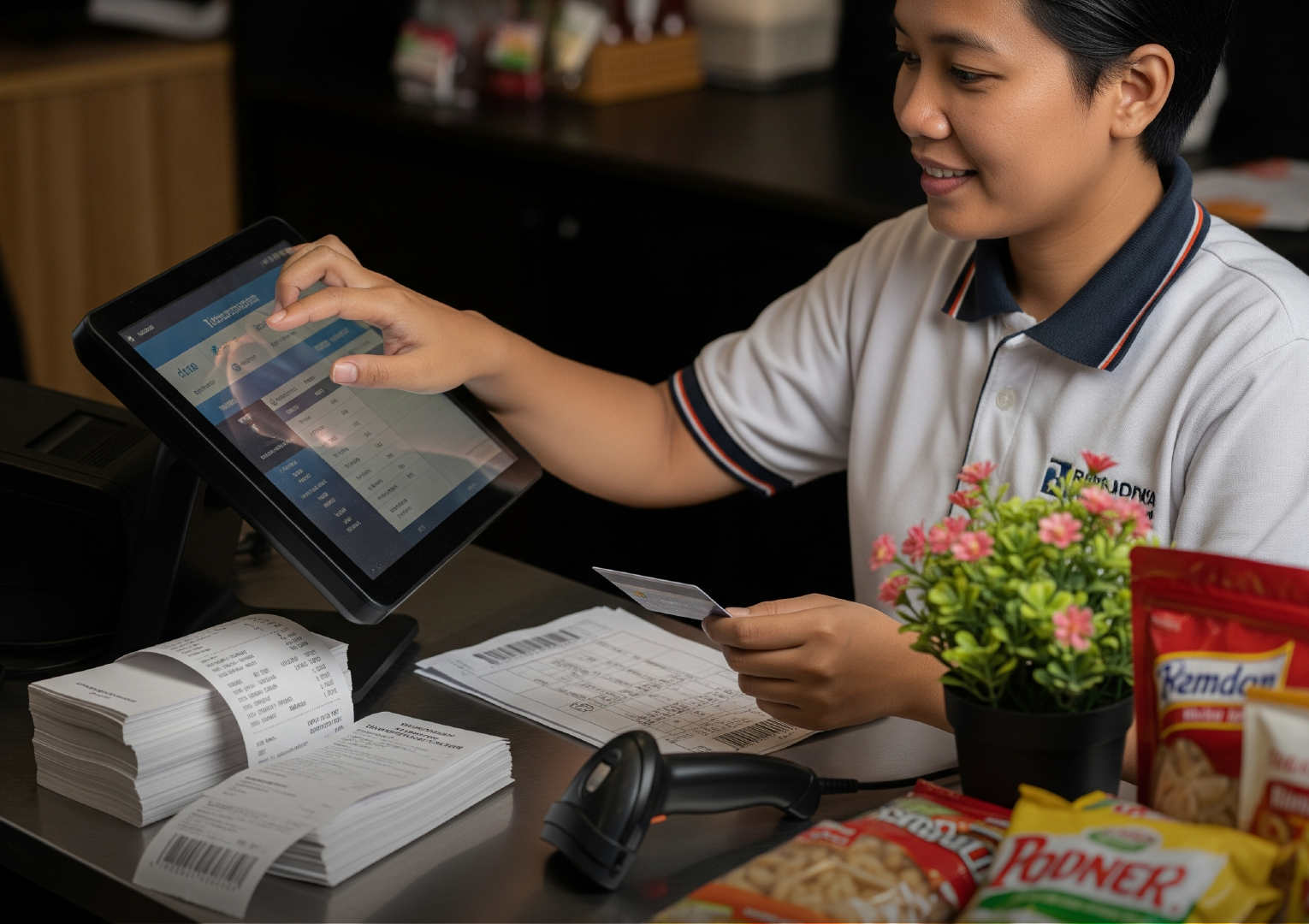
Point of Sales (POS) is a system that combines hardware and software designed to help businesses manage sales transactions and various other operational aspects.
According to Investopedia, a POS system not only functions as a computer-based “modern cashier” that records transactions and accepts payments, but can also monitor inventory, customer purchasing trends, and generate invoices and marketing data.
Thanks to its flexibility, POS can be used in both physical stores and online stores—adapting to business needs.
Components in the POS Cashier Application
To function optimally, POS (Point of Sale) applications typically include several key interconnected components to ensure smooth transactions, efficient data storage, and efficient business management. The following are common components found in POS systems:
1. Computer
A computer, tablet, or other smart device is the primary device for running POS software. Some POS providers may offer it bundled with the app, but you can also use your existing device. Just make sure it’s compatible with the app you’re using.
2. POS Software
Software is the core of any POS system. You can choose cloud-based, on-premise, or hybrid software—depending on your business needs. Additional features like inventory management, sales reporting, and Customer Relationship Management (CRM) are also usually available to help with more comprehensive business management.
3. POS Hardware
As mentioned, a POS system combines software and hardware to support operations. Some commonly used devices include:
- Touchscreen monitor, to display product database, record transactions, and print receipts.
- Barcode scanner, which speeds up the checkout process while also helping with inventory recording.
- Receipt printer, although many receipts can now be sent via email or SMS, physical printouts are still often needed.
- Cash drawer, it is important to store cash with a safe locking mechanism.
- Credit card readers allow businesses to accept payments with debit cards, credit cards, and contactless e-wallets.
Convenience Offered by the POS Cashier Application

Using a POS (Point of Sale) application not only simplifies transactions but also offers many other conveniences that are highly beneficial for modern businesses. Here are some of the key features it offers.
1. Improve Customer Service
POS systems allow product searches in seconds, and can even be implemented in self-service kiosk business concepts.
This convenience makes the customer shopping experience faster and more convenient. As a result, your business can build a good reputation among customers, which in turn can foster loyalty and attract new customers.
2. Monitor Stock Between Branches Easily
For businesses with multiple branches, inventory tracking features are crucial. And through a POS system, you can monitor stock availability across all branches in real time.
So, if one store runs out of an item, you can immediately transfer the order to another branch without having to manually check each location.
3. Makes it Easy for You to Manage Your Business from Anywhere
With a cloud-based POS system, business owners can monitor their business anytime, anywhere. With just a tablet or smartphone, you can view transaction reports, sales data, and inventory status.
This flexibility is especially helpful for business owners who travel frequently or manage multiple branches at once.
4. Provide Accurate Reports
Sound business decisions require accurate data. POS cashier applications can generate comprehensive and detailed sales reports.
From this report, you can evaluate whether the business is running well, as well as formulate strategies to increase profits in the next period.
5. Tracking Important Data for Business
Modern POS not only records transactions, but also documents important data such as inventory, profits, sales trends, and customer information.
This data can be used to predict future trends, avoid excess inventory, or determine the best time to add staff. This allows for more targeted and risk-free business decisions.
6. Automate the Transaction Process
The use of barcode scanners in POS systems speeds up the checkout process while minimizing manual input errors.
Product information can automatically appear in the system with just one scan, making transactions faster, more accurate, and increasing customer convenience.
7. Simplify Business Operational Activities
Modern POS systems integrate various critical business functions, from sales and reporting to team management. With a single integrated system, you no longer need to rely on multiple devices or different software.
This certainly saves time, reduces the potential for errors, and allows business owners to focus more on business development.
From the explanation above, it’s clear that a POS (Point of Sale) application is no longer just a transaction tool, but rather a complete solution to support business growth. With more streamlined management and accurate data, you can make more informed, faster, and more strategic business decisions.
Want to experience this convenience firsthand? Come on, use Labamu, an integrated business management app featuring modern POS cashier features, automated financial recording, stock management, and real-time sales reporting. All easily accessible in just one app.
Download the app now on Google Play or the App Store and experience how your business can be managed more efficiently and profitably!