
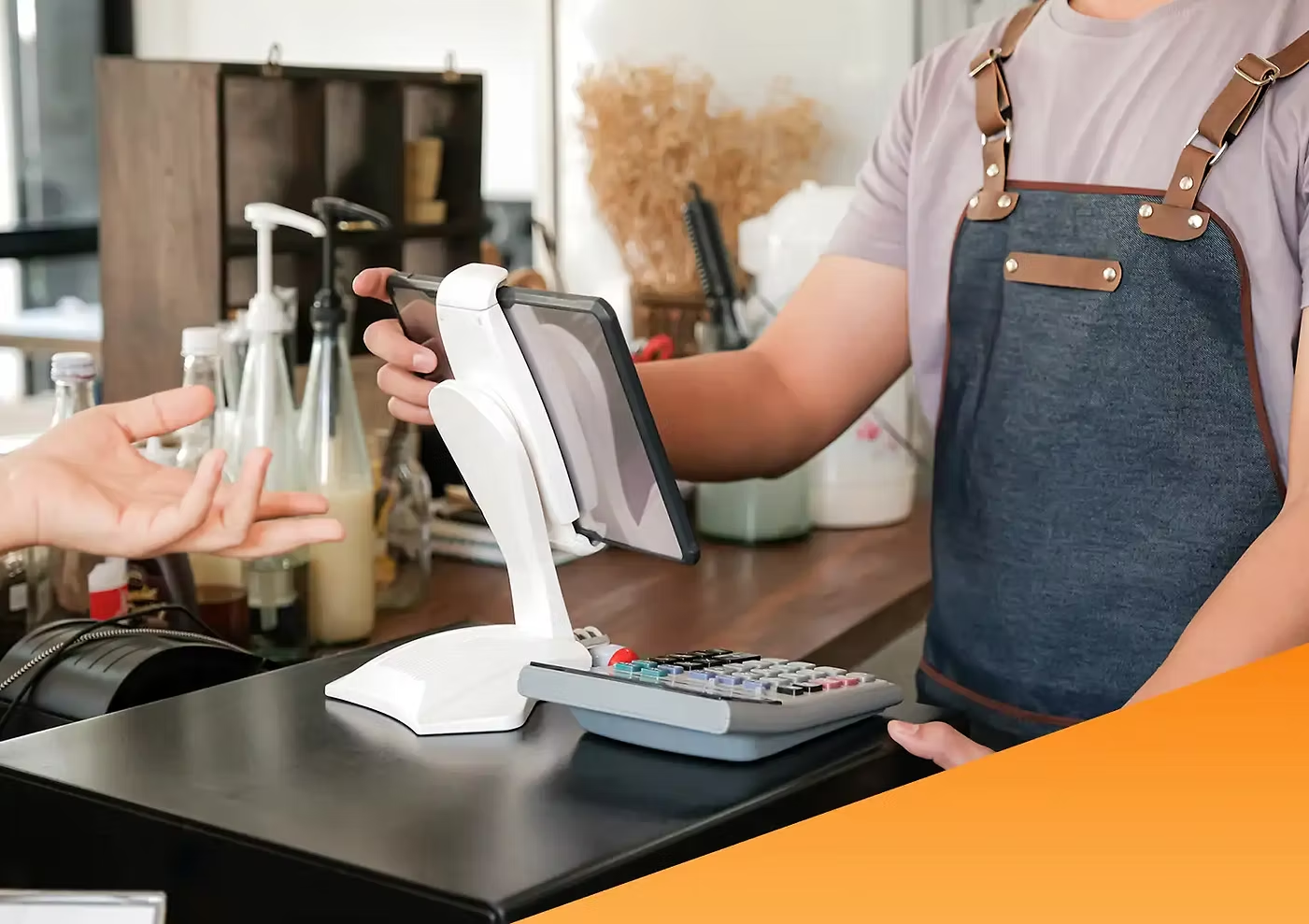
If you run a business that accepts payments, it’s important to use a secure and efficient system. This allows business operations to run smoothly, business owners and employees to focus on more important tasks, and ultimately increase business profits. Well, the solution is to utilize a point of sales (POS) system .
In this article, we discuss what POS systems are, assess the benefits of using them, and look at some of the types of systems available. Check it out!
What is Point of Sales (POS)?
According to Stripepoint of sales is a system that combines hardware and software to process payments and record business transactions.

The hardware used includes cash registers, card readers, barcode scanners, printers, touch screens, and so on.
While the software includes applications or programs that function to record orders, receive payments, monitor inventory, creating invoicescollect marketing data, manage sales, and create financial reports. financial reports-depending on the needs of the business.
POS technology allows users to make and/or receive payments using other devices, such as smartphones, tablets, or laptops.
What are the Types of POS Systems?
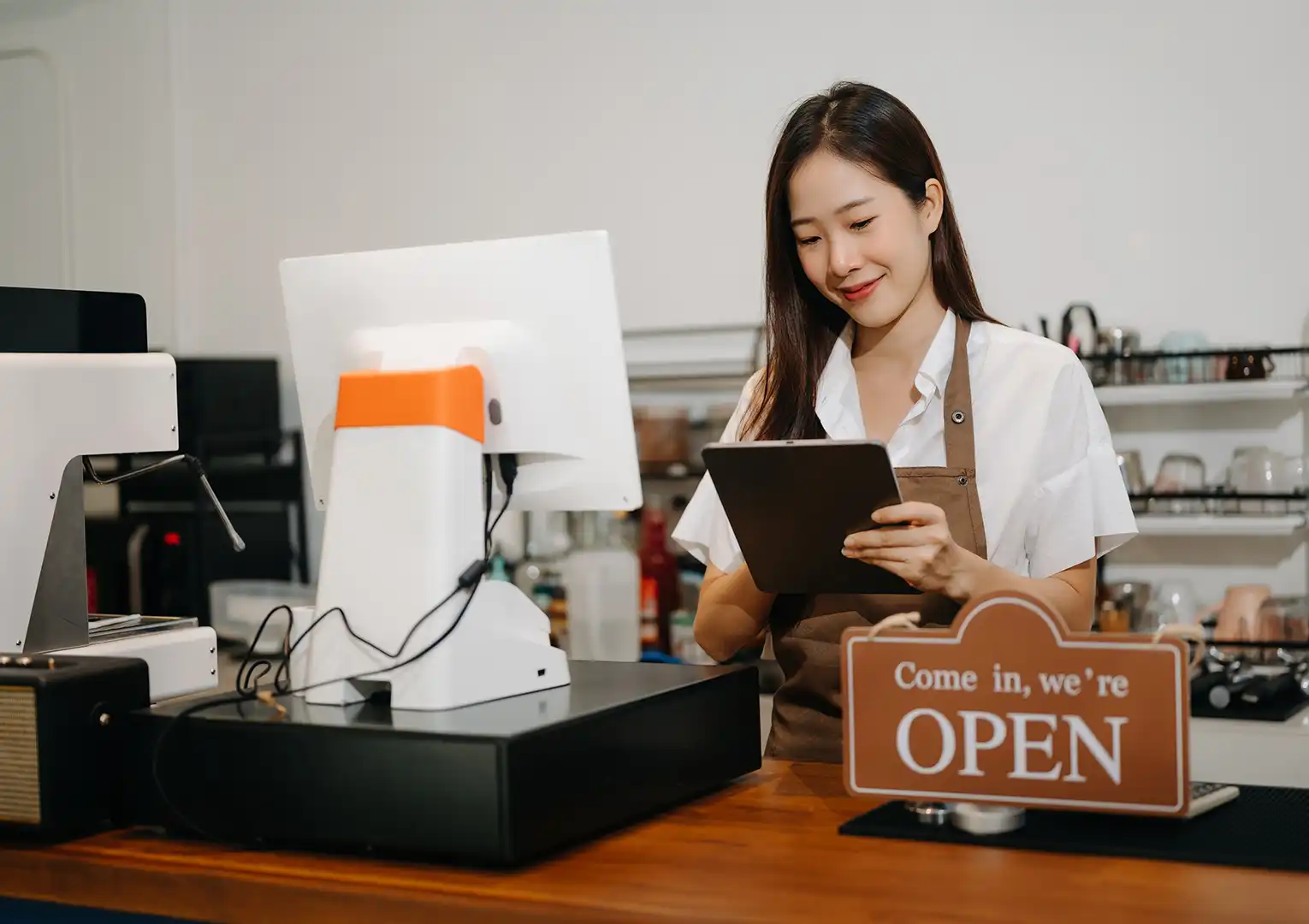
POS systems generally cater to various industries and business models. However, these systems have several types that differentiate them from each other. Here is the explanation.
1. Traditional POS System
Usually found in physical stores, it involves a setup with computers, cash registers, barcode scanners, printers, and card readers (EDC). These systems require on-site servers and are often part of an integrated network. The most common example can be found in supermarkets.
2. Mobile POS System
This type of POS can be accessed through a smartphone or tablet, offering flexibility and portability to its users. This allows business transactions to be done from anywhere. Mobile POS systems are most widely used by small businesses, food trucks, and pop-up stores.
3. Cloud-based POS System
Cloud-based POS is also known as Software as a Service (SaaS). This system operates over the internet and stores data in the cloud. It offers easy access and scalability. Ideal for small and medium-sized businesses.
4. Self-Service POS System
Generally used in stores that implement self-service. This system allows customers to scan and pay for their own items. This type of POS is considered to be able to reduce labor costs and increase payment speed. An example of its application can be found at McDonald’s.
5. Kiosk POS System
Similar to self-service POS systems, kiosks are self-contained units that customers use to place orders or make purchases. For example, at eateries, movie theaters, and kiosks at airports.
6. Multichannel POS System
It integrates sales in physical and online stores, allowing business owners to manage inventory, customer data, and sales across channels. Suitable for those of you who run physical and online stores at the same time.
How does a Point of Sales System Work?
Depending on the type, point of sales systems can work in different ways. However, in general, POS systems work as follows:
- Customer selection. Customers select the products/services they want to buy and add them to a virtual shopping cart. This can be done by scanning barcodes, manual input, or using a touch screen.
- Cost calculation. The system calculates the total cost to be paid, including taxes and discounts if any. The system also accommodates loyalty points or special prices.
- Payment processing. The POS system connected to the payment gateway will process payments and authorize transactions.
- Receipt generation. Upon successful payment, the system generates a receipt that can be printed or sent to the customer electronically.
- Inventory management. The POS system updates inventory in real time and deducts sold items from stock.
- Data collection and analysis. POS systems collect data on sales, customer preferences, and inventory trends so that they can be used to create reports, analyze performance, and make strategic business decisions.
- System integration. POS systems are often integrated with other software such as accounting, CRM, ERP, or e-commerce software .
What are the Benefits of Point of Sales for Businesses?
Here are some of the benefits of using a point of sale system in business.
1. Tracking Important Data
POS systems are capable of tracking many types of important data. The specifics may vary, but generally a POS system can store inventory data, sales totals, customer information, sales trends, and make sure everything is accurate.
2. Study the Trends
The data captured by the POS system can help you learn about trends. This is great so that you can plan ahead better. For example, in terms of inventory, it helps you avoid over-ordering certain items.
3. Automate the Transaction Process
POS systems are also capable of simplifying the transaction process. Whether with QR codes or barcode scans, these systems let the software you use to pull information automatically instead of entering information manually.
4. Maintain Data Security
POS systems use cloud-based technology . That means, all transaction data is stored on the server. That way, you don’t have to worry about losing data because everything is automatically stored in the cloud. Safe, right?
5. Increase Efficiency
POS can reduce the time per transaction. That means you can serve more clients per hour. Furthermore, POS can minimize human error because most of the processes are automated and accurate.
6. Streamline Business Operations
Lean operation is not just about reducing the number of employees, but also the tools you use. Isn’t it easier to operate most business activities in one system rather than having to operate one system per activity? Well, at least this automation allows you to spend more time running your business rather than completing paperwork.
7. Create Accurate Reports
With the system POS systemsystem, all sales details are documented completely and in detail. You don’t need to calculate manually and reduce errors. The POS system will automatically record all the activities entered and you can simply study the reports. This is great for getting an overview of business performance and identifying areas that need improvement.
8. Accommodates Multiple Stores at Once
If you operate franchise network or have multiple stores, it would be a hassle to check the reports one by one. However, with a POS system, you can manage them in just one app to spot trends, track sales, and plan orders.
You can get all these benefits by downloading the application Labamu application via Google Play or App Store. Labamu provides many features that you can use for free or unlock features that you only need. Come on, hurry up and feel the benefits!