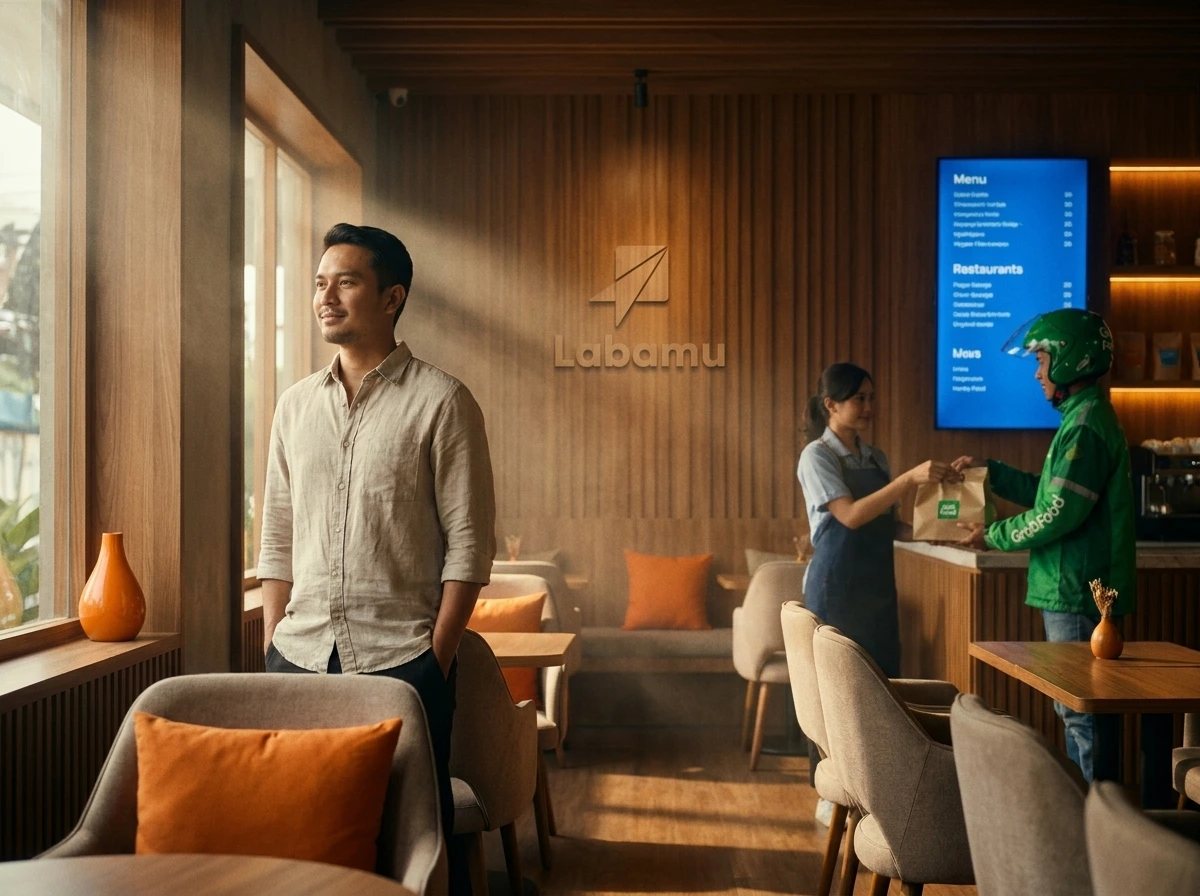
A POS system for restaurants is very important for the success of your culinary business. Manually managing menus on multiple platforms often triggers many errors. The best solution is to use a fully integrated delivery management system. Now, you can combine physical store operations and online orders.
- Manage GrabFood menus and stock automatically from one centralized dashboard.
- Use a modern cashier application to prevent order cancellations due to out of stock.
Before starting, please activate the Labamu Omnichannel GrabFood Integration feature in your shop.
What Cashier Applications Can Integrate GrabFood?
Currently, GrabFood’s Omnichannel feature Labamu is one of the best cashier systems. This system is connected directly to GrabFood merchants to facilitate culinary transactions.

Many cashier applications do not yet support real-time omnichannel integration. As a result, restaurant owners have to enter orders manually over and over again. This POS system for food delivery reduces operational work time.
Labamu offers POS solutions for restaurants with very stable performance. You no longer need to use multiple devices to monitor orders. Just use one tablet to control the entire restaurant sales system.
How to Integrate GrabFood into the Restaurant Cashier Application?
The process of connecting the system using GrabFood’s Omnichannel feature is very easy to do. You only need to open the Labamu desktop dashboard and authenticate your account.
First, make sure the products on your Labamu menu are completely filled in. Open the Omnichannel menu, then select the Account Integration option on the screen. Next, click the GrabFood integration button to start the system connection process.
Select the export menu option if you want to copy an existing product list. Finally, press the enable integration button to complete the process instantly. Now, the POS system for your online orders is fully active.
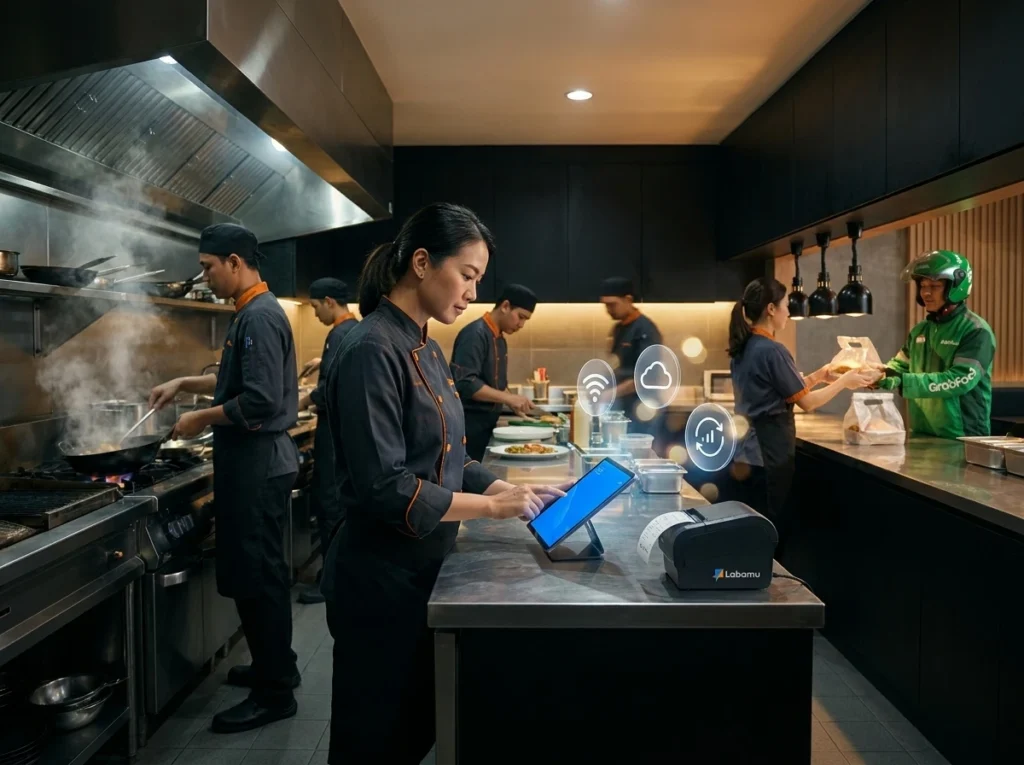
1. Sync Culinary Menus in Real-Time
The main advantage of Labamu GrabFood’s Omnichannel feature is automatic menu synchronization. Any changes to the menu at the cashier will be immediately updated on GrabFood.
This prevents differences in culinary information that could confuse customers. You don’t need to change the menu list manually one by one. The work efficiency of restaurant staff will increase significantly every day.
This POS solution for restaurants is very helpful when peak hours arrive. New menus can be immediately published to customers in a few seconds. This saves energy and operational time for your culinary business.
2. Set Automatic Stock Availability Without Manually
Avoiding order cancellations is now more practical through GrabFood’s Omnichannel feature. Food raw material stocks will decrease automatically when online orders come in.
You avoid bad reviews due to menus suddenly running out. This POS system for food service monitors ingredient availability in real-time. If stock is empty, the menu in the GrabFood application will automatically be inactive.
Kitchen staff can focus on cooking without worrying about ingredient availability. This preventive step maintains your restaurant’s good reputation on the internet. The trust of loyal customers will continue to be maintained thanks to the accuracy of this system.
3. Adjust the selling price specifically for online delivery
Setting different profit margins is helped by Labamu GrabFood’s Omnichannel feature flexibly. You can increase special menu prices for online delivery orders.
Food delivery app commission fees often depress net profits. Use this shipping management system to adjust selling prices intelligently. Food prices in physical and online stores can now be managed separately.
This step helps keep the profitability of your culinary business healthy. All price changes can be applied directly without any hassle from the cashier. This strategy is very crucial for long-term business continuity.
4. Manage Store Operational Hours Via Dashboard
Setting restaurant operational times can be controlled directly by Labamu’s GrabFood Omnichannel feature. You are free to set shop opening and closing hours from one place.
Close the online shop temporarily if the kitchen is experiencing very busy queues. This tactical step prevents backlogs of orders that cost customers time. This POS system for food delivery provides complete operational control.
You can schedule special operating hours for national holidays. All settings are quickly synchronized without needing to open the Grab Merchant application separately.
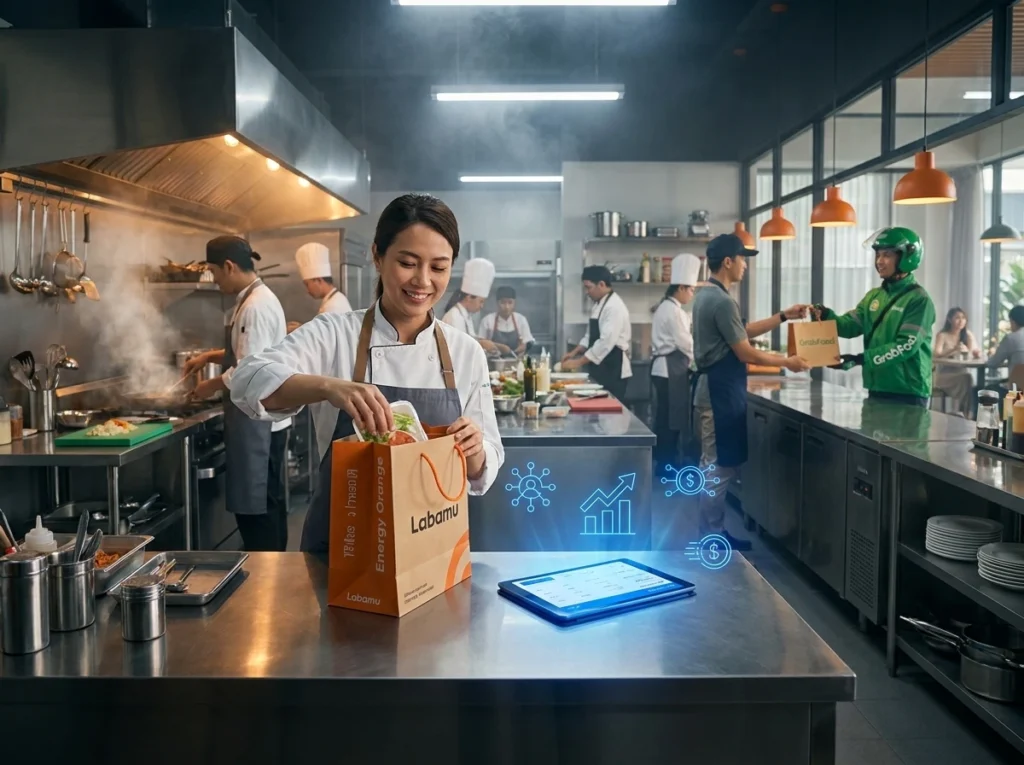
5. Accept GrabFood Orders Automatically Without Barriers
Receiving customer orders is very fast thanks to Labamu’s automated Omnichannel GrabFood feature. Every incoming order will be immediately processed by the restaurant cashier system.
No more missed orders due to staff opening the device late. This POS solution for restaurants speeds up the customer food preparation process. Speed of service is the main key to winning culinary business competition.
Customers will receive food faster while it is still warm. Your shop’s performance score on the GrabFood application will also increase rapidly. This will bring in more new customers every day.
6. Print shopping receipts directly to the kitchen
The kitchen operational process runs very smoothly thanks to Labamu’s integrated Omnichannel GrabFood feature. Every online order receipt is automatically printed directly on the kitchen printer.
Chefs can immediately read order details without needing manual confirmation. Menu creation errors due to misreading orders can be suppressed. This POS system for online ordering increases the accuracy of the restaurant kitchen.
Coordination between staff becomes more professional and there is minimal internal conflict. Customer waiting time is drastically reduced thanks to this automatic printing system. Your shop’s daily operations now run much calmer and more orderly.
7. Monitor Combined Turnover Reports Easily
Analyzing business financial performance is helped by Labamu’s integrated Omnichannel GrabFood feature. Offline and online sales reports are now presented in full in one graph.
You no longer need to combine daily sales data manually. This POS system for restaurants calculates profit margins very accurately. Evaluation of the best-selling menu can be done every weekend easily.
Use this accurate data to design next month’s promotional strategy. The right business decisions are born from neat financial data analysis. Manage the future of your shop with steps based on real data.
Frequently Asked Questions About Restaurant POS Systems
Understanding how GrabFood’s Omnichannel feature Labamu works will help with daily operations. The following are answers to popular questions about digital cashier systems.
Are these integration costs expensive for small culinary entrepreneurs?
Labamu offers very pocket-friendly subscription packages for MSMEs. This premium feature provides high investment value for the continuity of the culinary business.
Is this system safe from the risk of lost sales data?
All transaction data is stored securely on the Labamu cloud server system. You can access sales reports anytime and anywhere. The security of your business data is guaranteed safe with the latest technology standards.
It’s Time for You to Take Control of This Year’s Strategy
Starting a digital business transformation with Labamu GrabFood’s Omnichannel feature is a smart step. This modern system is ready to help you dominate the local culinary market.
Don’t let competitors get ahead of you in providing the fastest delivery service. Manage your menu and shop stock with the best POS system now. Register your restaurant on the Labamu platform for unlimited business convenience.