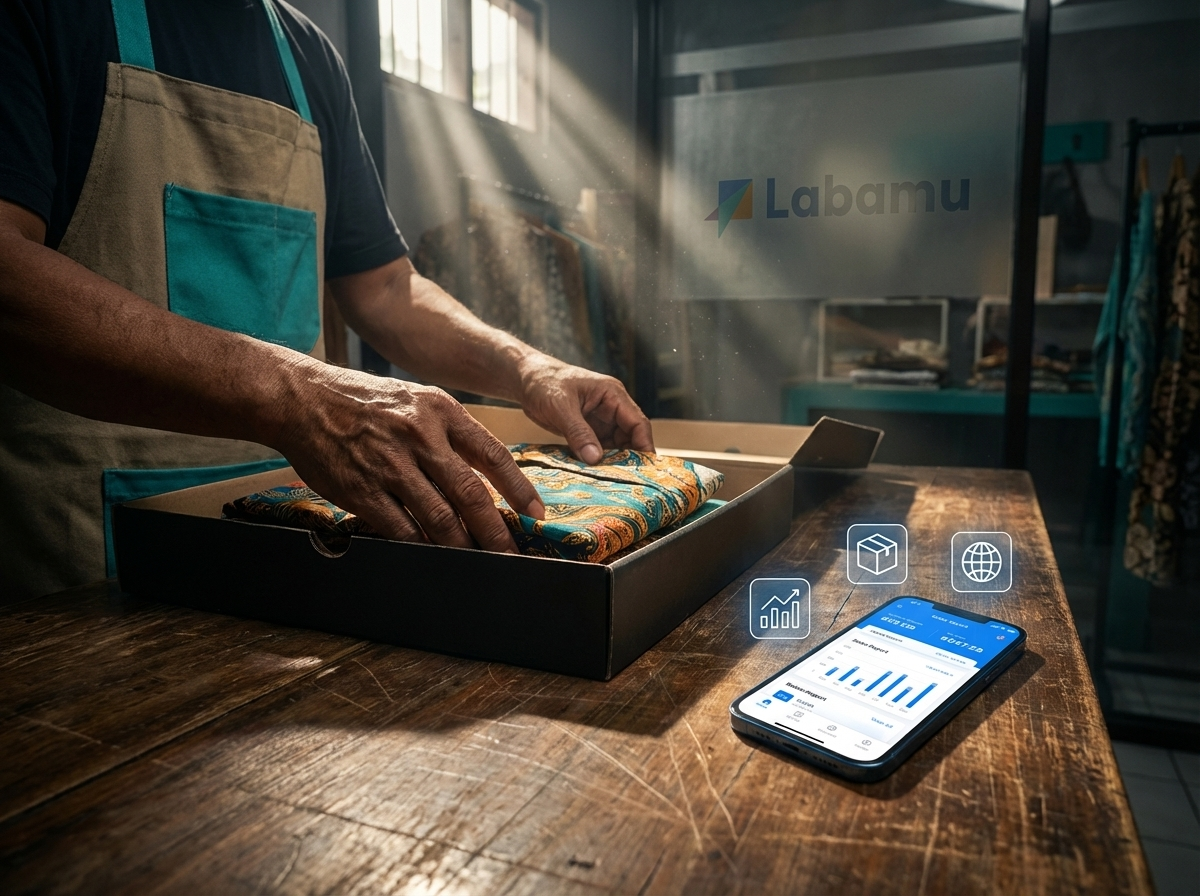
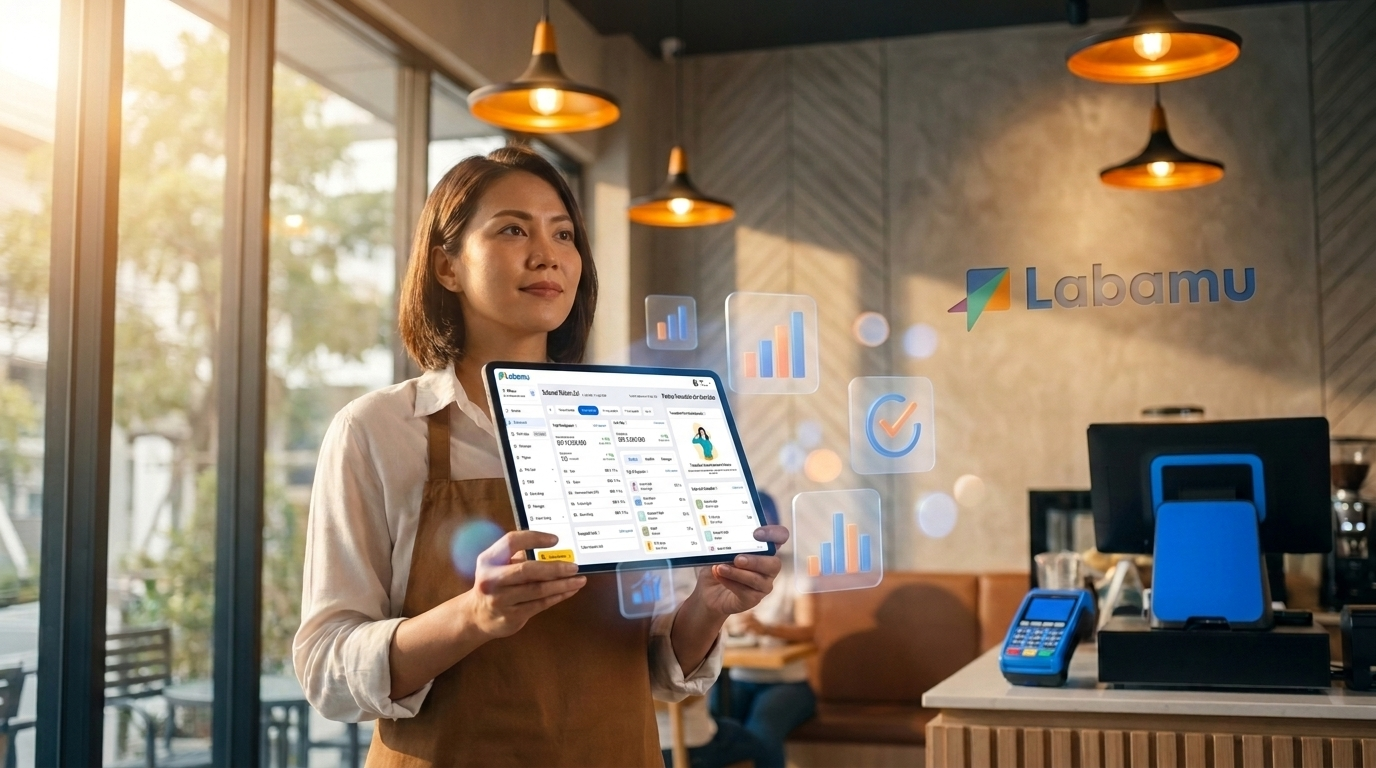
Free cashier applications are versions without subscription fees of digital cashier software, usually with core features such as transactions, product management, and basic reports. Even though it is free, this application generally has certain limitations, such as the number of outlets that can be managed or advanced features that are only open in the paid version. Labamu, for example, provides a free Basic package with POS Cashier features, product management and report analysis, but only for one outlet.
- Free cashier applications generally include transaction features, manage products, customers and basic reports.
- The most common limitations include 1 outlet access and no multi-branch feature.
- Transaction fees such as MDR QRIS and platform fees still apply separately.
- The Basic Labamu package is free with no monthly subscription fees specifically for 1 location.
- Branch growth and team management needs are the main indicators for system upgrades.
It is important to understand the capabilities of the system before implementing it in daily operations. Understand inventory needs and other features, recommend cashier applications according to Labamu’s needs.
What is a Free Cashier Application and Why New Businesses Start One?
The free cashier application is transaction processing software without a regular subscription scheme. This system makes it easier to record initial operations without burdening the initial capital budget.
Many business founders start operations with this no-cost system. This step is very rational to test the efficiency of daily digital recording.
Initial operational capital can be fully allocated for main product development. Manual recording which is prone to errors can be immediately avoided.
The use of a digital cashier system speeds up consumer shopping receipt printing services. Daily transaction data is also neatly stored in cloud storage.
Relevant Article: Understand what online receipts are and how easy they are to operate.

Features Usually Found in Free Cashier Applications
The free cashier application provides basic functionality to support cashier operational records. These features include payment processing, item catalog, as well as daily sales summaries.
Standard cashier systems generally provide simple order recording features. Shop owners can enter a list of goods along with selling price variations.
As a concrete example, Labamu provides the Basic package for free. This package provides access to quite complete operational features, including:
- POS Cashier: Process cash and non-cash sales transactions instantly.
- Manage Products: Manage product catalogues, prices and business product categories.
- Manage Customer Data: Store contact history and profiles of loyal buyers.
- Manage Accounts Payable: Record customer payment obligations and receivables regularly.
- Report Analysis: Monitor turnover summary and daily sales performance.
- Manage Digital Products: Allows selling credit, data packages and electricity tokens.
- Business Community Access: Connect with a network of business people to share experiences.
All Basic package features can be used without a monthly subscription fee. You can check detailed information on the package scheme directly on the official Labamu Pricing page.
Free Cashier Application Limitations that You Need to Know
The free cashier application is specifically designed for scalable operational scales. Understanding the limitations prevents bottlenecks when sales start to scale.
| Operational Parameters | Free Version (Basic) | Paid Version (Pro/Master) |
| Location Restrictions | Maximum 1 Outlet | Multi-Outlet / Multi-Branch |
| Advanced Cashier Features | Standard Cashier POS | QR Menu & Complete Invoicing |
| Team / Staff Access | Limited | Access Multiple Staff & Access Rights |
| Non-Cash Transaction Fees | Platform Fees & MDR Remains in Effect | Platform Fees & MDR Remains in Effect |

1. Limitation on the number of outlets
The free version of the system generally only supports 1 operational location. If your business starts to open a second branch, the free system cannot be connected directly.
2. Advanced Feature Limitations
Complex features such as QR Menu, official billing (invoicing), and direct online shop transactions are not available. This feature is generally only unlocked on advanced paid plans.
3. Team and Staff Access Limitations
The no-fee cashier system limits the number of staff accounts that can log in. The access rights settings for cashiers, supervisors and owners are also very limited.
4. Transaction Fees and Platform Fees That Remain Applicable
The word “free” refers to the app’s lack of monthly subscription fees. However, digital payment transactions still have the following processing fee provisions:
- Platform Fee: 2% per digital transaction processed.
- MDR QRIS (<Rp. 500,000): 0% (free transaction fees).
- MDR QRIS (>Rp. 500,000): 0.3% for the UMI category or 0.7% for the non-UMI category.
Use the operational cost calculation guide in the article [Cashier Software that Can Calculate COGS & Ideal Selling Price] to maintain business profit margins.
When is it Time to Consider Upgrading from a Free Cashier Application?
Upgrade considerations arise when business scale requires cross-branch automation. The need for real-time stock control between locations is the main signal for switching schemes.
You also need a paid package when the number of operational staff increases. Setting security access rights is very important to prevent cashier discrepancies.
Combined financial reports from various branches require more in-depth analysis. Paid systems provide automatic data consolidation without the need for manual merging.
If the limitations above are starting to feel like they are hampering your business operations, you can compare Labamu’s paid plans on the Pricing page to see which additional features best suit your needs.
The most comprehensive exploration of the flexibility of software ecosystems on references;
Relevant article: Complete Business Application.
General Questions About Free Cashier Applications
- Is the free cashier application safe to use long term?
Leading free cashier applications such as Labamu are safe for long-term use. Transaction data is stored securely on cloud servers with modern encryption standards.
- Are there hidden fees in the free cashier application?
There are no hidden subscription fees on the free cashier application. The only discounts that apply are digital payment transaction fees such as MDR QRIS and platform fees.
- Can the free cashier application be used for more than 1 outlet?
Most free cashier applications limit use to only 1 outlet. To manage multiple branches in one account, you need to upgrade to a paid plan.
- What is the difference between platform fees and subscription fees?
Subscription fees are regular monthly rates for renting application use. The platform fee is a small percentage fee that is deducted only when digital transactions occur.
Try the Free Cashier Application from Labamu POS!
The choice of transaction processing system must be adaptive to the growth of sales scale. Starting operations with the free Basic package is a wise capital efficiency move.
As transaction volumes and point of sale locations increase, feature customization becomes key. Regular monitoring of the team’s needs will determine the right time to move to the next level.