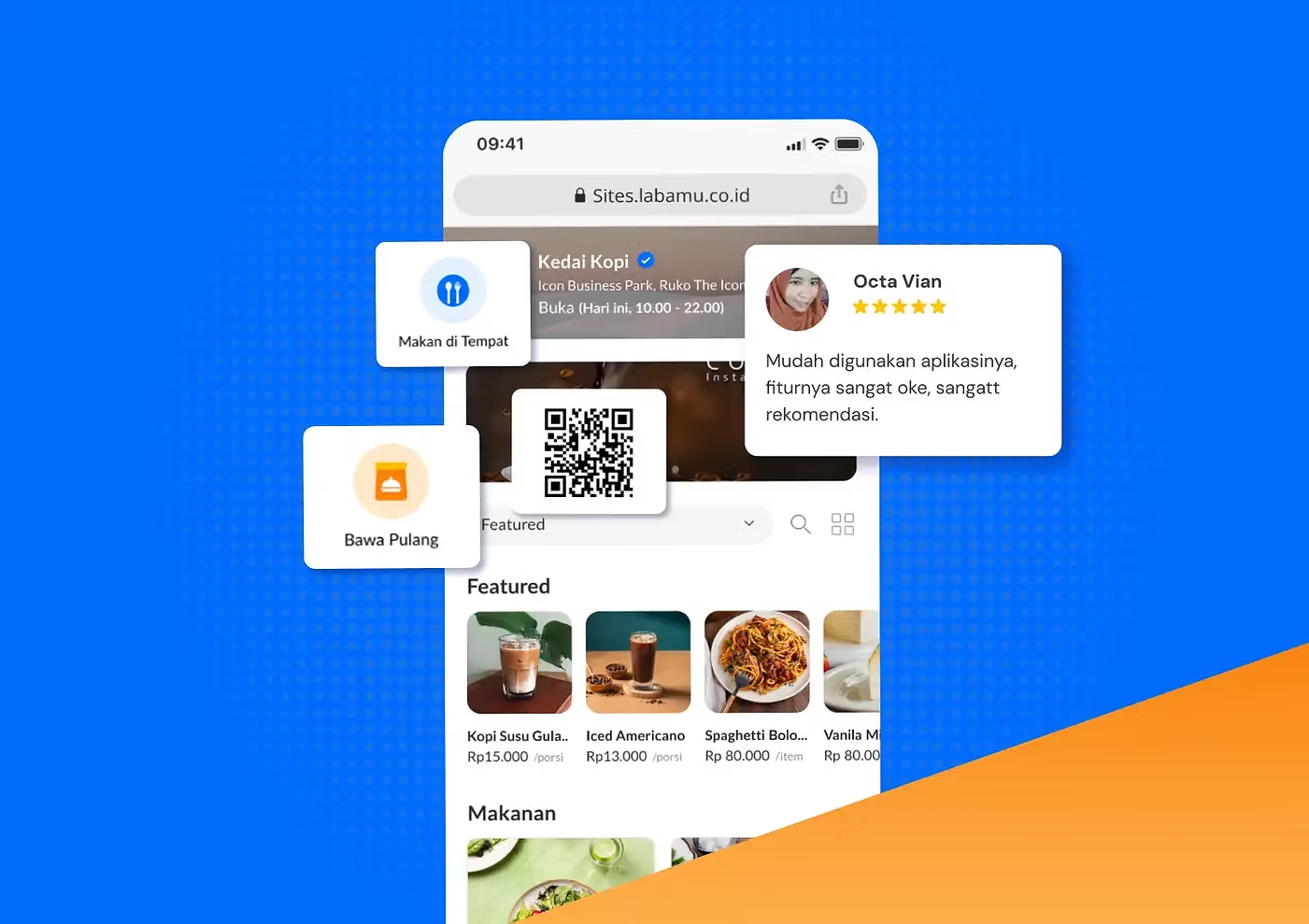
While most business management apps so far can only be accessed on smartphones through downloads, Labamu offers Labamu Desktop, which you can use directly from your browser.
As the name suggests, this feature allows Labamu users to easily access their accounts on a desktop via a computer or laptop, anytime and anywhere.
Here’s an overview of the Labamu Desktop feature, along with other features you can access there. Make sure to read all the way through!
Advantages of the Labamu Desktop Feature
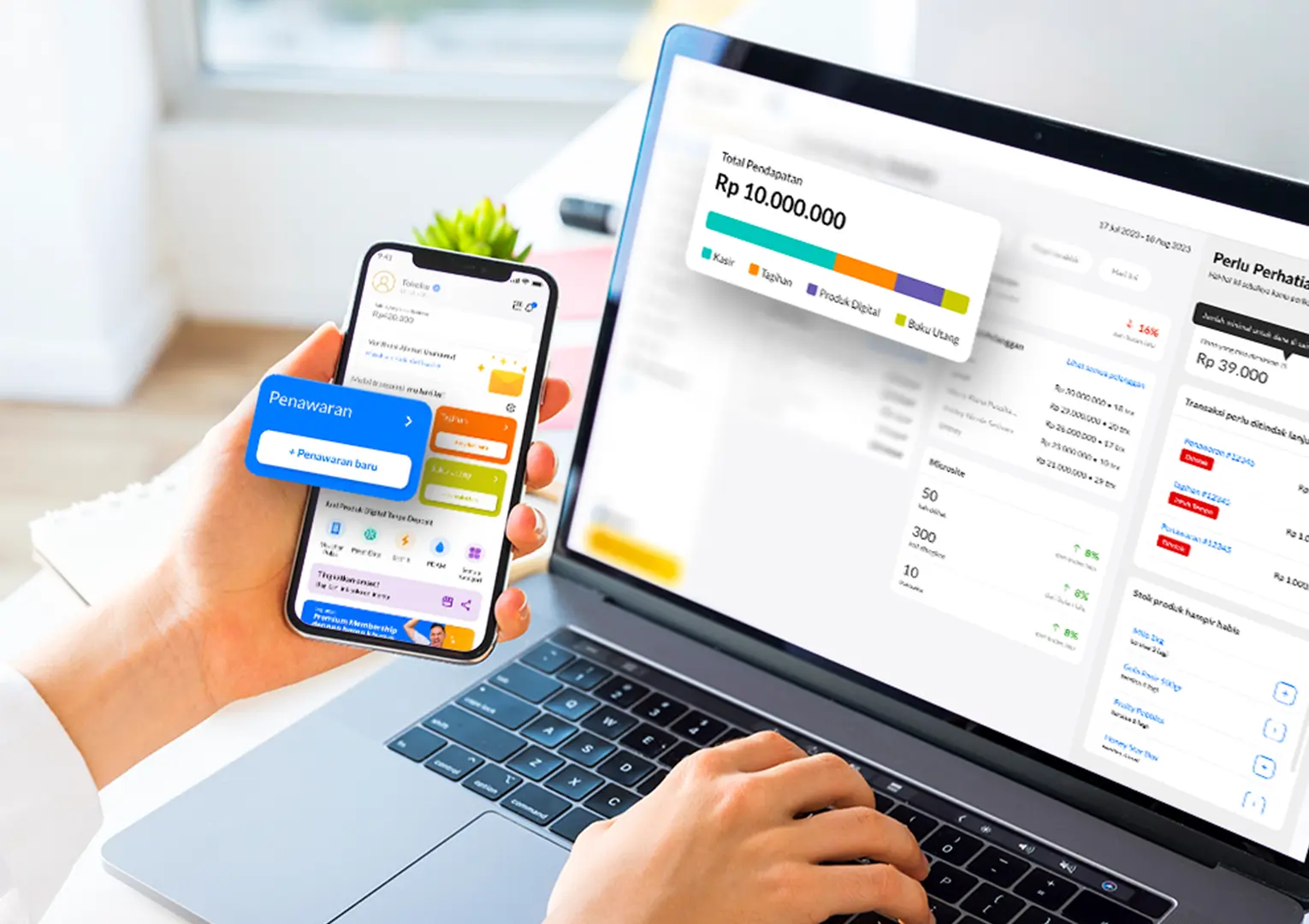
Not everyone has a capable smartphone to download multiple apps. This is often what makes many small business owners, especially in the SME sector, hesitate to use apps to support their business activities.
Contoh lainnya adalah ponsel usaha dipegang oleh beberapa orang, tak hanya kamu. Jadi, kamu tak akan bisa mengakses aplikasi Labamu jika ponsel tak sedang berada di tangan.
Labamu recognizes this challenge. That’s why Labamu created the Labamu Desktop feature, allowing you to use the app without any device limitations. No smartphone? No problem—Labamu Desktop has you covered.
Even better, you don’t need to download the Labamu app on your computer or laptop—you can start using it instantly, anytime and anywhere.
Here are the advantages of the Labamu Desktop feature, as experienced by many users.
1. Flexible Across Multiple Devices
For example, if you already have the Labamu app on your smartphone but it’s left elsewhere or being used by someone else, don’t worry. You can access the app on your computer or laptop at home or at your business location.
This way, you can manage your business anytime and anywhere without device limitations. Simply open a browser, and Labamu Desktop is ready to use.
2. Provides Simultaneous Access
Don’t worry about being unable to access Labamu Desktop on your computer or laptop just because the Labamu app on your smartphone is still logged in. Both can be accessed and used simultaneously without any issues, making your business management through Labamu much more efficient.
3. No Installation Required
While other apps need to be downloaded before they can be used on a computer or laptop, Labamu doesn’t. To use the Labamu Desktop feature, you don’t need to download anything—simply visit the Labamu website and log in with your registered account.
With this fast and convenient access, managing your business becomes much easier, anytime and anywhere.
How to Access Labamu Desktop
Accessing Labamu Desktop is very easy—just follow the steps below.
- Open labamu.co.id in your computer or laptop browser.
- Click “Login” at the top right corner.
- Enter your active and registered phone number or email.
- Check the box “I Agree to Labamu’s Terms & Conditions.
- Click “Login.
- Enjoy Labamu’s various features and manage your business there.
Other Features in Labamu
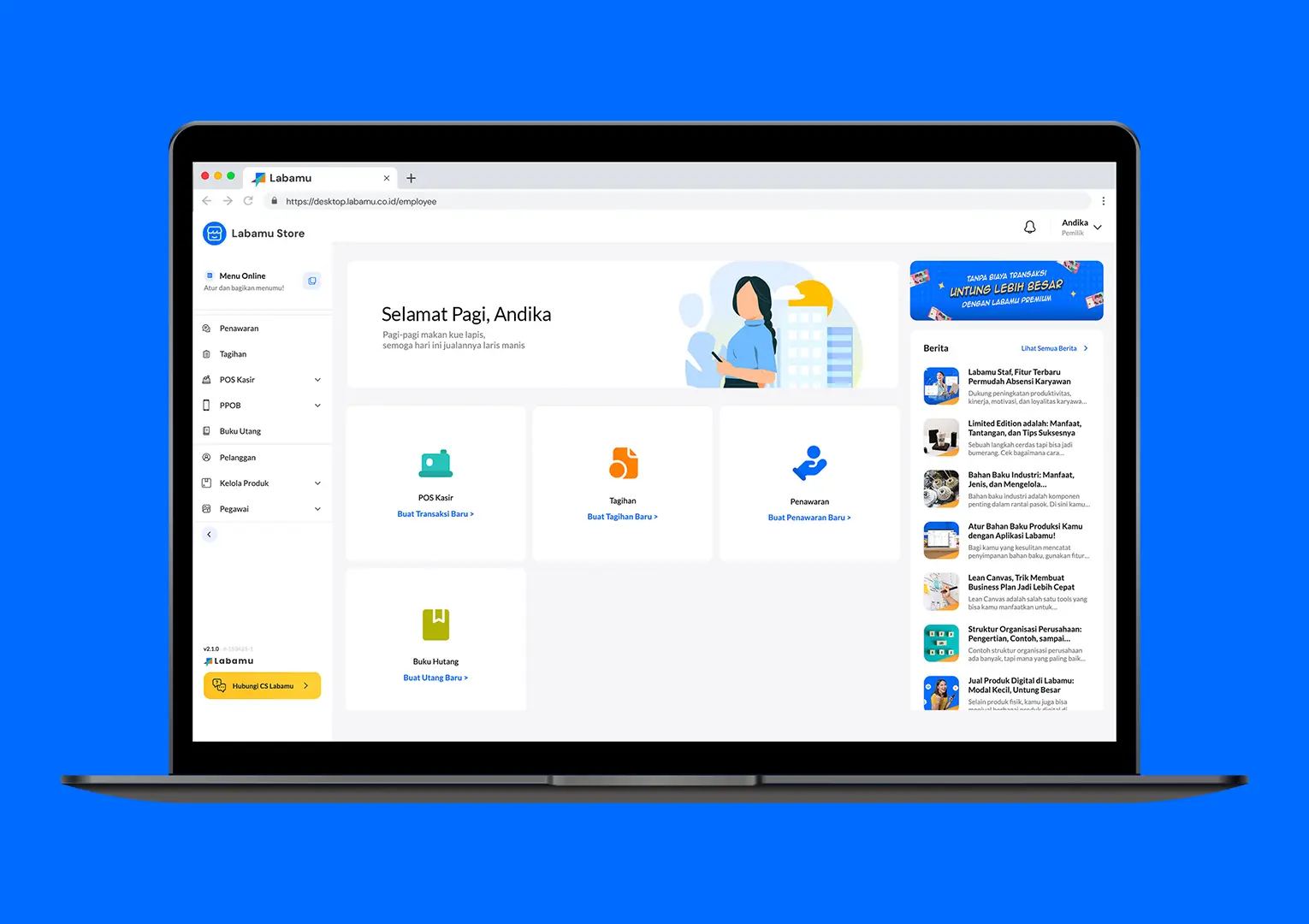
Here are other features in the Labamu app that you can also use when accessing Labamu Desktop.
1. Product Bundles
With this feature, you can boost sales by offering selected product packages at attractive prices. Try combining several products into one bundle with a more competitive price using the Product Bundles feature.
2. POS (Point of Sale) Cashier
This feature makes customer transactions at the cashier faster, safer, and more convenient, supporting various payment methods—from cash, bank transfers, QRIS, and e-wallets to credit cards. In addition, with an integrated digital cashier system, sales history, inventory management, and raw materials are automatically recorded in reports.
3. Digital Products
In the Labamu app, you can also sell various digital products without needing a deposit, making your business lighter while still generating higher profits. Some of the digital products available include mobile credit, data packages, electricity tokens, electricity bills, and e-wallet top-ups.
4. QR Menu
Through Labamu, you can provide a QR Menu for your customers, allowing them to order and pay directly from it, making the ordering process faster and more convenient. You can also check and manage incoming orders through the Order Management system integrated with the QR Menu.
5. Order Management
Through an integrated system, you can check, receive, process, and complete orders from just one application. Additionally, since you receive instant notifications whenever a new order comes in, service becomes faster and customer satisfaction keeps improving.
6. Promotions
By using the Promotions feature in Labamu, you can create various attractive offers tailored to your business needs, boosting customer loyalty and helping your business grow.
7. Products
With this feature, you can automatically manage the stock of products sold both offline and online. You’ll also get detailed insights into each product’s performance, allowing you to see which items are bestsellers and which ones need improvement.
8. Customers
By storing and managing customer information, you can understand their shopping habits and provide the right offers. Additionally, customer data is directly integrated with other features, such as Billing and Promotions, making the sales process much easier.
9. Billing
By using this feature, you can send invoices with just a few clicks, making billing to customers faster and more accurate. You can also provide a sense of security and convenience for customers through digital payment options.
10. Reports
This feature is very user-friendly, as it’s organized according to the necessary categories. You can also customize the report details you want to view and download all reports to your device in Excel format.
11. Employees
By granting access to your employees, you can ensure your business runs smoothly even when you’re away from the outlet. At the same time, you can monitor their activities directly to make sure all tasks are carried out as planned.
12. Online Store
By creating an online store that’s accessible anytime and anywhere on Labamu, you can sell more easily and grow your business. The online store you create can also be shared on social media and integrated with WhatsApp.
13. Community
You can leverage the community feature in Labamu to promote your products and services, reaching more potential customers and expanding your business network.
14. Debt Ledger
With this feature, you can record all debt and receivable transactions clearly and systematically, keeping your business cash flow smooth and under control. You can also remind customers to pay via WhatsApp and accept payments through various methods, such as QRIS, bank transfer, or cash.
15. Manage Raw Materials
You can manage raw materials more systematically, ensuring optimal use and preventing waste. Additionally, this feature allows you to create detailed recipe notes, including units and measurements.
Those are the features you can access through Labamu Desktop on your computer or laptop. However, you can also download the Labamu app on your smartphone via Google Play or the App Store. Whatever the device, make sure you support your business growth by using Labamu!