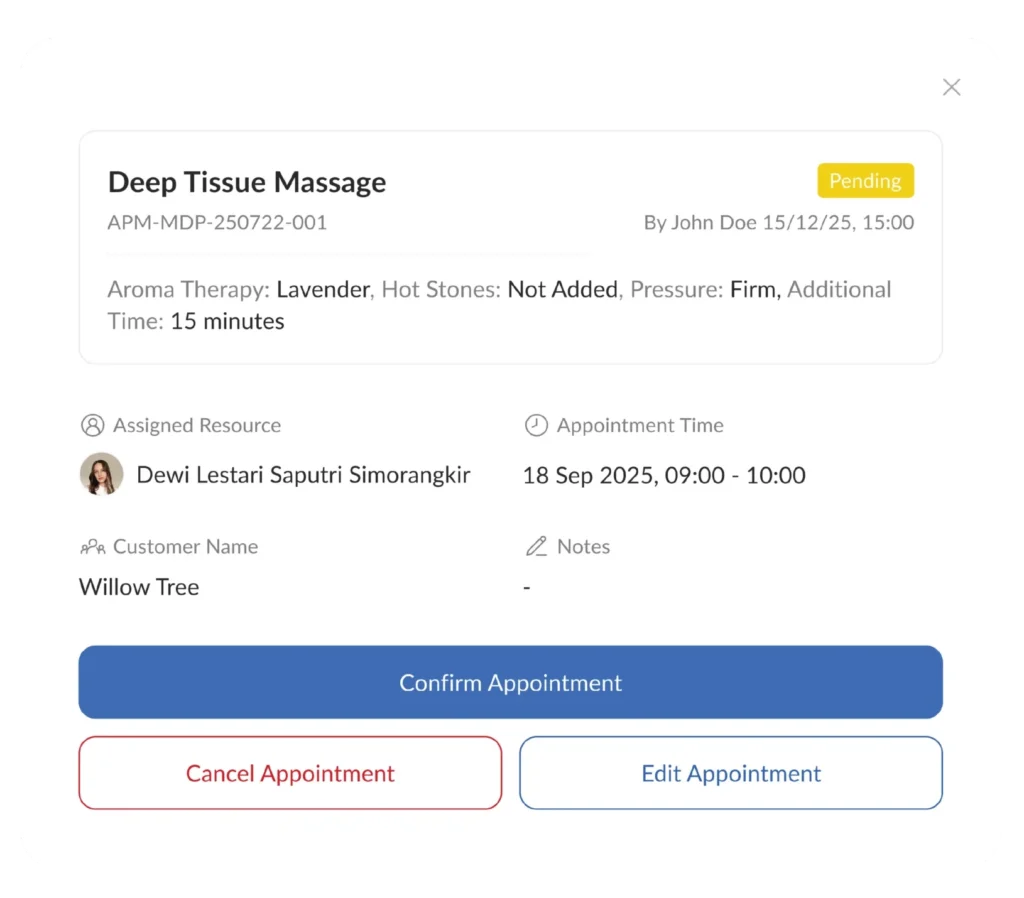
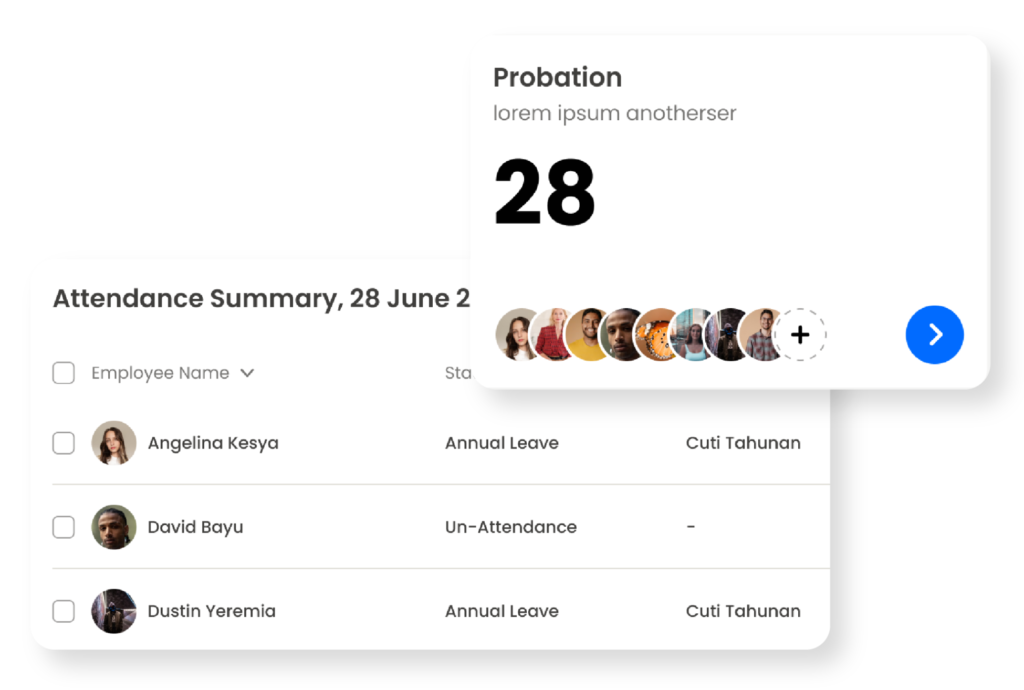
Manage customer schedules and appointment bookings in one structured system. Customers can book at any time, business schedules are more controlled, and operations run more neatly.
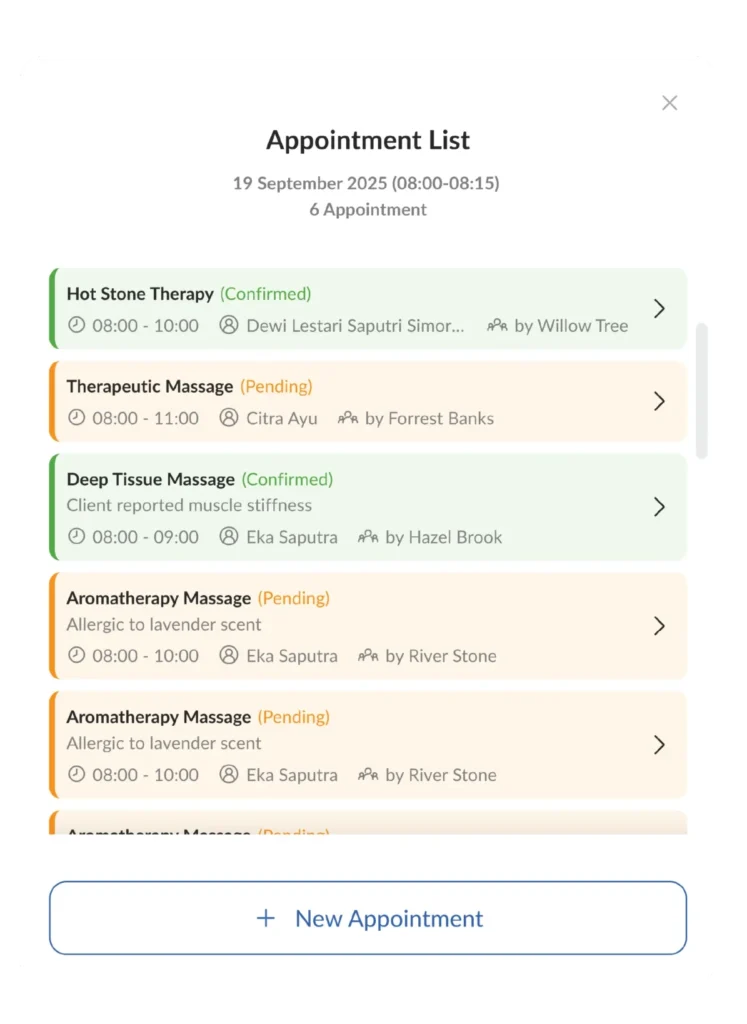
Customers can make appointments independently through the online system, so businesses can still accept orders even outside operating hours.
Automatically Arranged Business Schedule
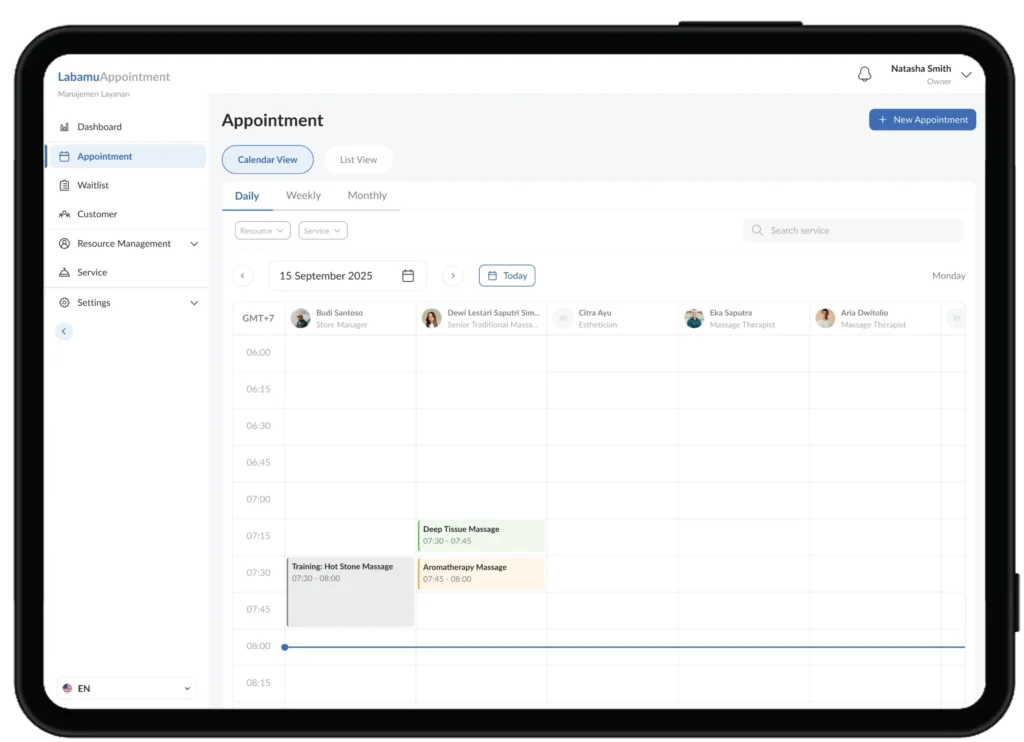
Every appointment is immediately recorded and arranged in the business calendar, so the daily schedule is easier to monitor and manage.
Arrange Services and Operational Hours According to Needs
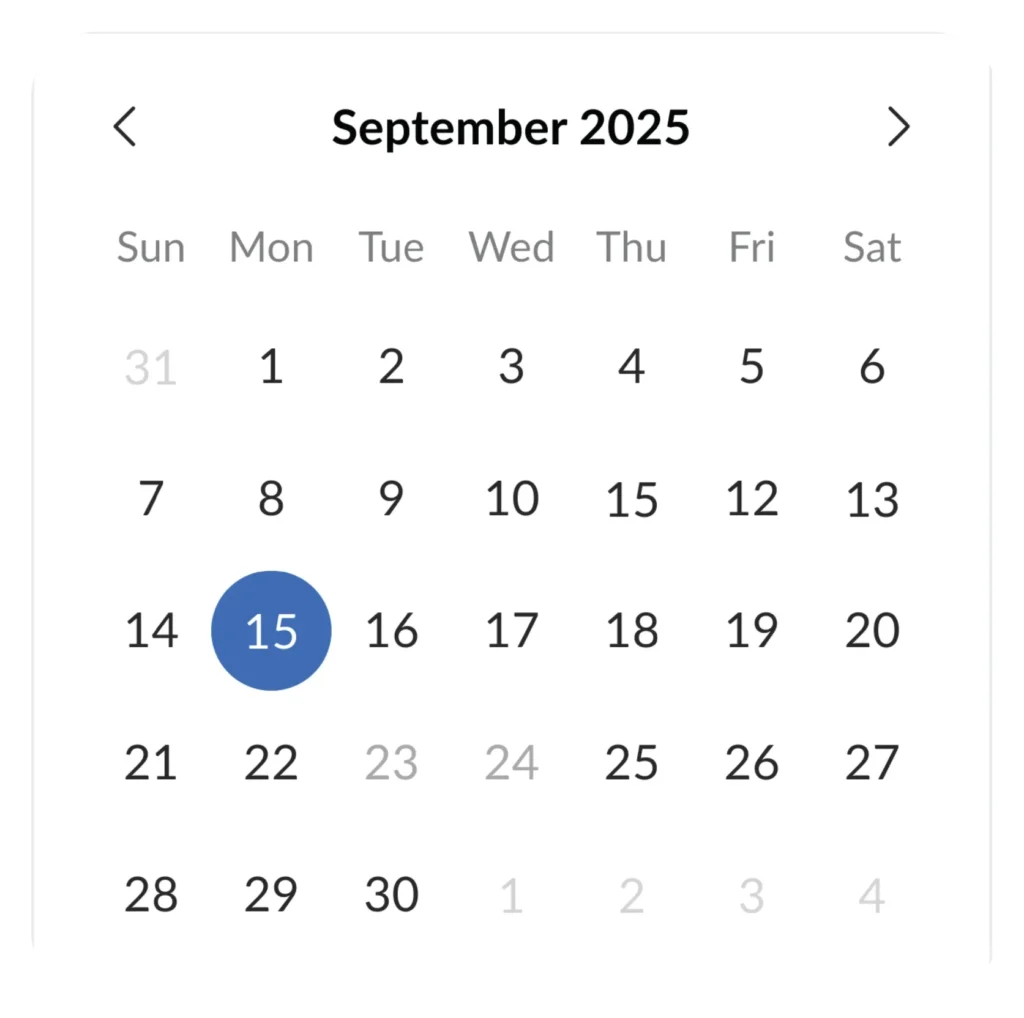
Adjust the type of service, duration and operational hours directly from the system so that customers can only book according to the availability you specify.
Manage Teams and Services in One Dashboard
Add staff, set roles, and connect each service with the right talent, all managed from one place.
Manage Customer Appointments in One System
Key Benefits
Features of the Labamu Appointment Application
Designed to help service-based businesses manage customer schedules and orders more neatly and efficiently.
Customers can book directly through the system without needing to contact the business manually, saving time for both parties.
Automatic Online Ordering
Appointment schedules are synchronized with a digital calendar so all schedules are always up to date and easy to monitor at any time.
Digital Calendar Sync
Organize staff, roles and the services they handle in one system, so that every appointment is handled by the right person.
Staff and Service Management
More Regular Schedule, More Satisfied Customers
The Labamu appointment application helps service-based businesses shift from manual recording to a more structured system, so that schedules are neater, customers are easier to serve, and business operations run more efficiently.
Restaurant
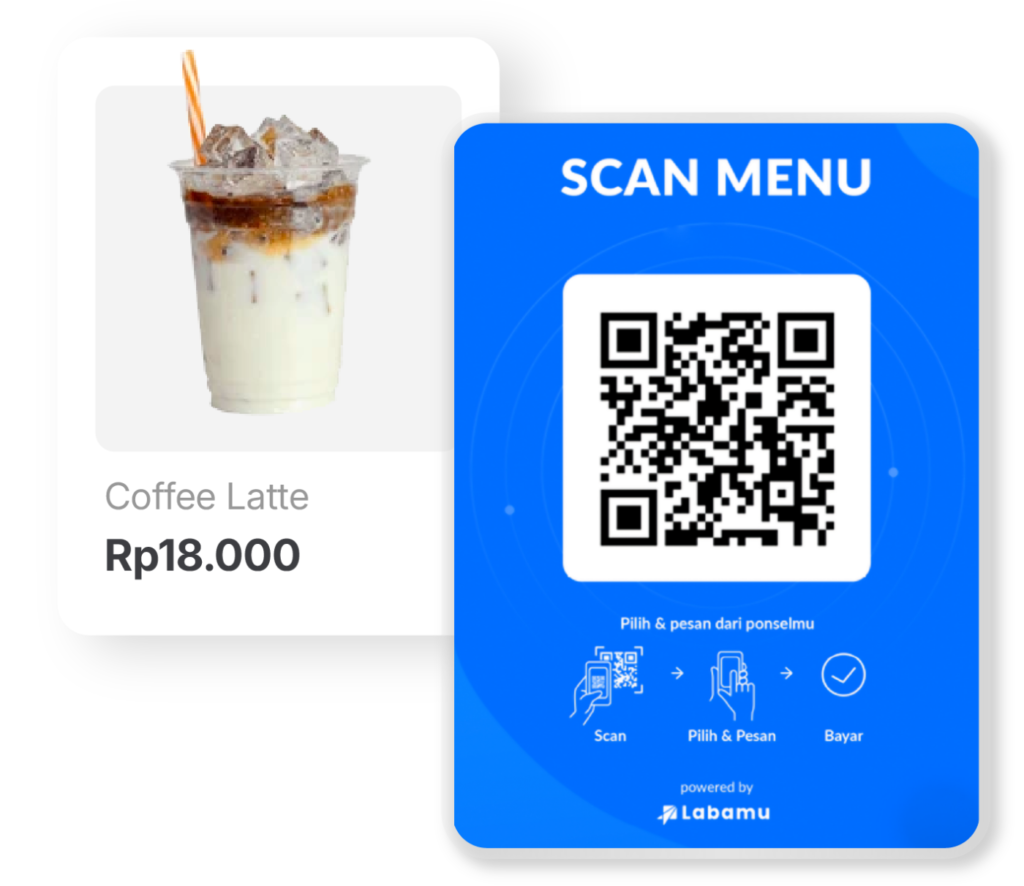
Restaurant management platform that makes the cashier process easier, digital menus via QR code, and real-time sales reports. Manage restaurant operations more neatly and efficiently.
Beauty & Hair Salon
More Structured Salon Management: Booking, Cashier & Reports in one system that makes it easier to manage online bookings, cashier processes and real-time performance reports.
Pharmacy
Pharmacy management platform that makes it easier to manage drug stock, cashier service processes, and real-time sales reports.
Start Managing Appointments Easier
Use Labamu’s appointment feature to accept online bookings, set service schedules, and manage teams in one more practical and controlled system.