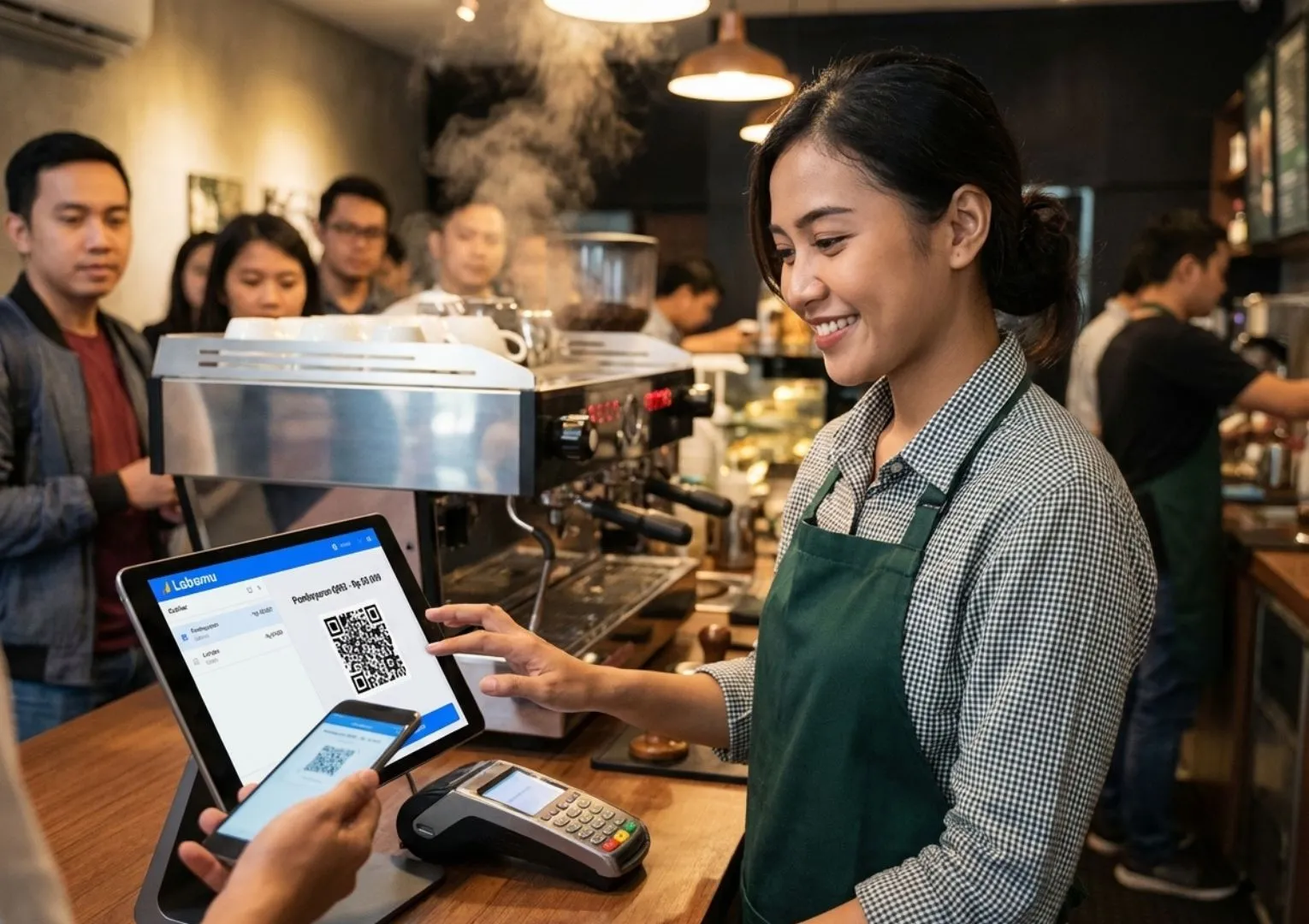
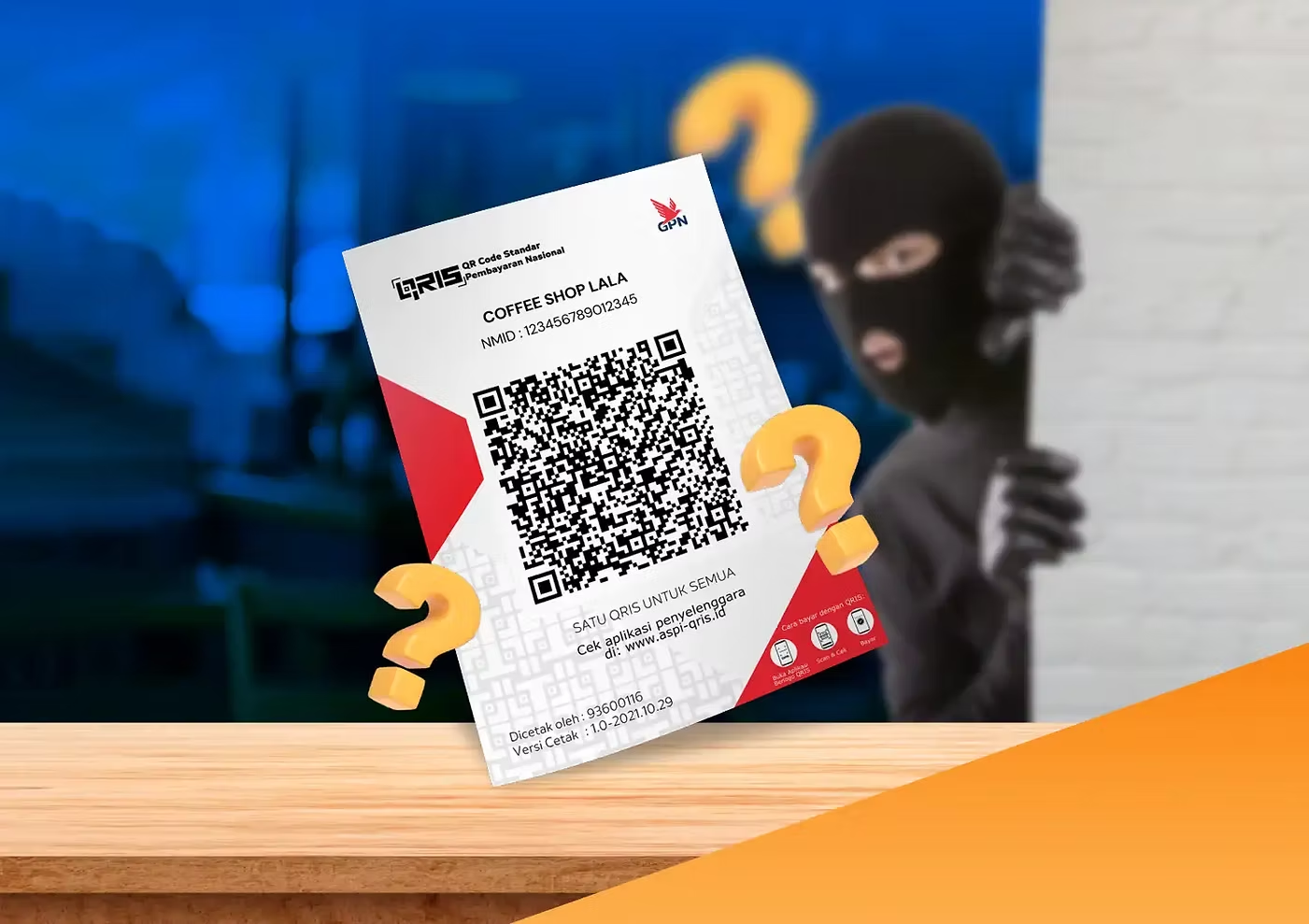
As a seller, you’ve likely received payments using the Quick Response Code Indonesian Standard, or QRIS. While it simplifies transactions, you still need to be cautious of fake QRIS payment proofs.
This type of fraud can be very costly because while you may think a customer has successfully made a QRIS payment, what’s shown is actually a fake payment proof. This means the customer hasn’t paid for the product or service purchased.
To learn more about fake QRIS payment proof scams and how to avoid them, read this article to the end.
Fake QRIS Payment Proof

Although QRIS greatly speeds up the payment process, it also has potential drawbacks. For buyers, a common scam involves fake QRIS codes that redirect payments to a fraudster’s account, causing the funds to end up in the wrong hands.
Meanwhile, on the seller’s side, a common scam involves using old QRIS payment screenshots as proof of payment. Instead of providing a new, valid payment confirmation, the fraudster presents an edited or reused screenshot from a previous transaction.
This means no money actually enters your account because the payment proof provided is fake. Your business can suffer losses, which could be substantial if the fraudster’s supposed payment involves a large amount.
Cases like this are becoming increasingly common, especially in businesses using static QRIS. This method is particularly effective when sellers are not careful in verifying payment proof, especially when handling multiple customers at the same time, which can easily lead to confusion.
How to Avoid Accepting Fake QRIS Payment Proofs
To prevent yourself from becoming a victim of fake QRIS payment proof scams, there are several steps you can take to avoid them.
1. Always Check Notifications to Avoid Fake QRIS Payments
After making a QRIS payment, customers typically show their payment proof. As a seller, you should not trust this proof immediately, as it could simply be a screenshot from another payment. Screenshots are especially easy to edit and manipulate.
It’s not about distrusting your buyers, especially loyal customers, but about being cautious. If anyone feels offended or objects when you take time to check notifications, explain that it’s for everyone’s safety and benefit.
So, always make sure to double-check whether a payment has actually been received. Legitimate payments will always be recorded and trigger an automatic notification.
2. Match the Sender’s Name and Payment Amount
After a customer makes a QRIS payment and you check it, ask the buyer for permission to confirm the sender’s account name and the transferred amount.
If the buyer has no intention to commit fraud, they should have no problem sharing this information with you. This allows you to match the details provided by the customer with the information displayed in the app.
By confirming these details, you can prevent fraud involving fake QRIS payment proofs, as scammers often show proof without matching the actual transaction data.
If you notice discrepancies between the information provided and what appears in the app, you can immediately be suspicious and refuse the transaction.
3. Use Sound Notifications
Nowadays, some apps offer sound or vibration notifications for incoming payments. Enabling this feature can be very helpful, especially when you’re busy serving multiple customers.
Besides being useful for you as a seller, these notifications also benefit buyers by clearly confirming the exact amount to be paid. In this way, it serves as a win-win solution for both sellers and customers.
4. Don’t Rush When Serving Customers
Seeing a long line of customers at the cashier can make you, as a seller, feel anxious. This may lead you to rush through payment transactions with customers.
As a result, you may become careless when accepting transfer proofs, even without first checking them in the app. This creates an opportunity for scammers, who rely on the assumption that you won’t notice the fraud.
No matter how many customers you’re serving, make sure to stay calm and always check transaction notifications before handing over goods or services and letting the customer leave the cashier.
5. Use Labamu’s QRIS Validation Feature
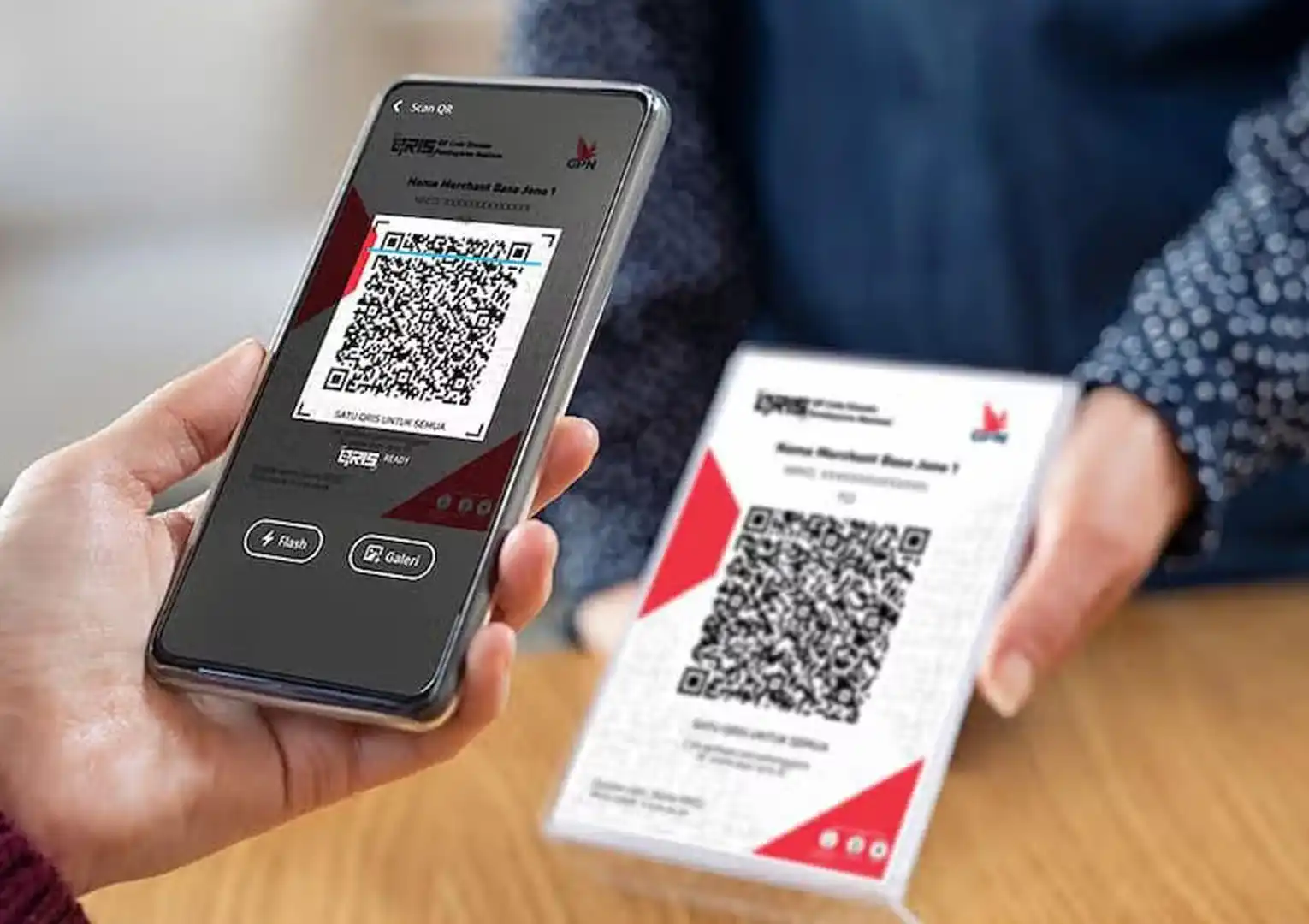
For Labamu app users, you can now use the QRIS Validation feature to easily and conveniently verify the authenticity of QRIS payment proofs provided by customers.
Here’s how to use it:
- Open the Static QRIS feature in the Labamu app and select “Check New Transaction.
- Take a photo of the customer’s transfer proof and fill in the transaction details.
- Labamu, integrated with Bank Nobu, will validate whether the proof is genuine or fake.
By using the QRIS Validation feature, you can now sell with peace of mind, without worrying about fraud. Make sure to use this free feature on Labamu. Download it for free on the App Store or Google Play today!