If previously when you went to a restaurant or food vendor, you had to ask for a menu first to order, either in the form of a book or laminated paper, now there are QR menus that make the ordering process easier.
QR menus have arguably revolutionized the way restaurant owners and food vendors do business. It’s not just a trend, but a new way for businesses to become more digital.
That’s why the Labamu app also provides a QR Menu feature that you can use to make it easier for customers to order the food menu you sell.
If you are interested in this technology, here is a more complete explanation of QR menus before you start using them.
Understanding QR Menus and How They Work
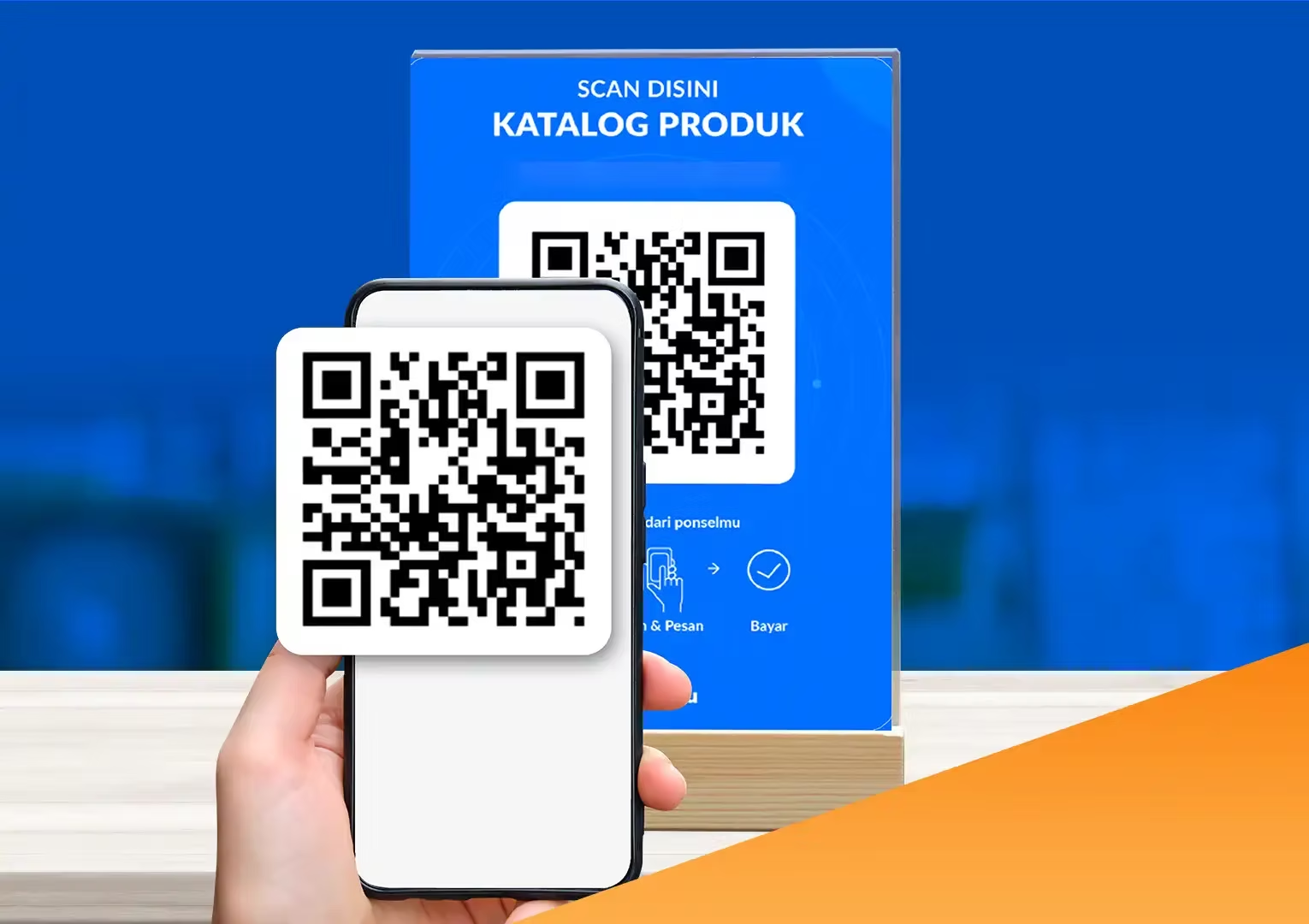
QR Menu adalah jenis kode QR yang dapat mengarahkan pemindai untuk mengakses menu digital.
So, after scanning the QR code with a smartphone or tablet, a link will appear on the screen. By tapping it, customers will be directed to a webpage displaying the restaurant’s menu.
Once inside the menu, shoppers can view images, descriptions, and prices for each available item so they can more quickly find what they want to order.
If the QR menu is interactive, customers can also order and pay directly from their mobile phones via the QR code.
Also read: Here’s a Sample Food Business Plan and Tips for Making Ita
Benefits of Using QR Menu
As a business owner, you’re always looking for ways to improve your business and provide a better customer experience. This is where QR Menus can be beneficial, as follows.
1. Contactless Ordering and Payment
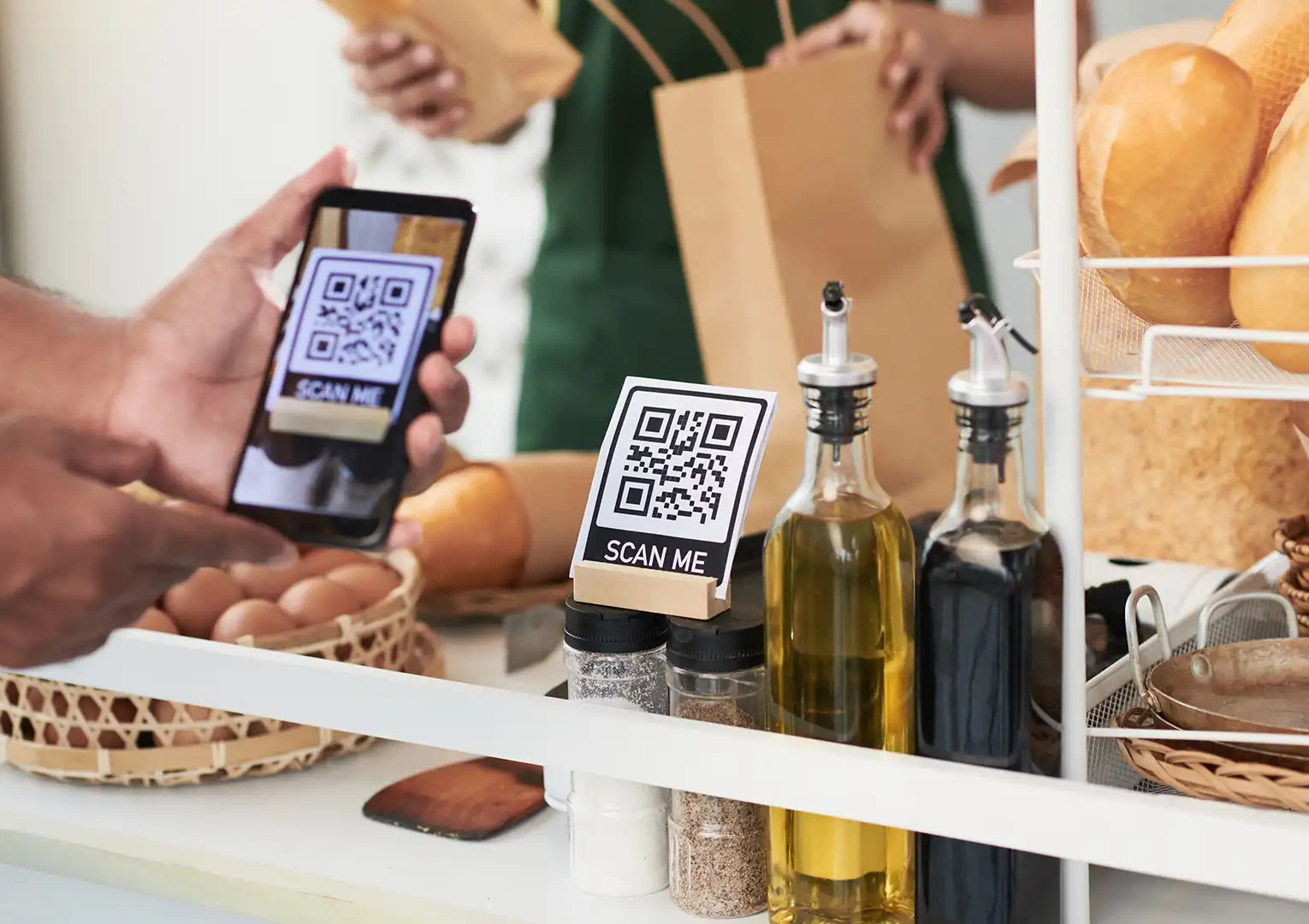
Since the COVID-19 pandemic, customers have become more concerned about hygiene and avoiding unnecessary contact whenever possible. With digital menus via QR codes, customers simply use their smartphones to place orders without touching physical menus or other surfaces.
Then, with an interactive restaurant menu, visitors can also reduce physical interaction with waiters because they can order and pay via mobile phone.
2. Faster Service and Shorter Waiting Times
When using a traditional menu, customers have to call the waiter to ask for the menu and then wait again until the food arrives.
However, customers can order from their mobile phones with QR menus, which will be sent directly to the kitchen staff, reducing waiting times and allowing waiters to bring food to the table faster.
This can increase customer satisfaction which will indirectly increase revenue.
This can increase customer satisfaction which will indirectly increase revenue.
When customers place orders verbally, there’s a potential for miscommunication or misunderstandings. This can lead to frustration, as they have to wait longer for the food they actually ordered to be prepared.
By using a digital QR code menu, customers can see for themselves the food being sold and confirm their order size. This eliminates the possibility of misunderstandings between customers and servers.
4. Easier to Update Items and Prices
It is very important to update the menu constantly or when needed.
Using a QR menu allows you to easily update items and prices as needed without having to reprint and distribute new menus. You can also quickly remove items that are sold out or unavailable.
5. Cost-effective Solution
Printing physical menus can be expensive, especially if you update them frequently. This means you’ll need to budget for paper, ink, and a printer.
However, with an innovative digital menu, you can easily update your digital menu whenever you need without having to worry about the costs of printing and distributing new menus, saving you money and effort.
Also read: Characteristics of a Good Business Opportunity and How to Recognize Them
Tips for Creating a QR Menu
Creating a QR code for a menu is not difficult, but there are some tips you should follow when doing so.
1. Keep it Simple
Keep the menu organized and concise, preferably with no more than two choices per item. Too much information can overwhelm customers.
2. Make Sure It’s Visually Appealing
Sertakan gambar hidangan agar lebih menarik secara visual. Hal ini dapat membantu pelanggan mengetahui apa yang diharapkan saat memesan menu tersebut dan mendorong mereka untuk mencoba sesuatu yang baru.
3. Place CTA on QR Menu
Make sure the QR code has a clear call to action (CTA). This can be something like “Order Now!” or “Try Our Dish Today!”
4. Customize the Menu for Different Occasions
If you want to maximize your QR menu, customize it for different occasions. For example, offer special menus or discounts on holidays or peak times. This will help encourage customers to return.
5. Test before Delivering to Customers
After creating your QR menu, be sure to test it on staff members to identify any flaws and ensure everything is working properly.
Create a QR Menu in your Labamu Application!
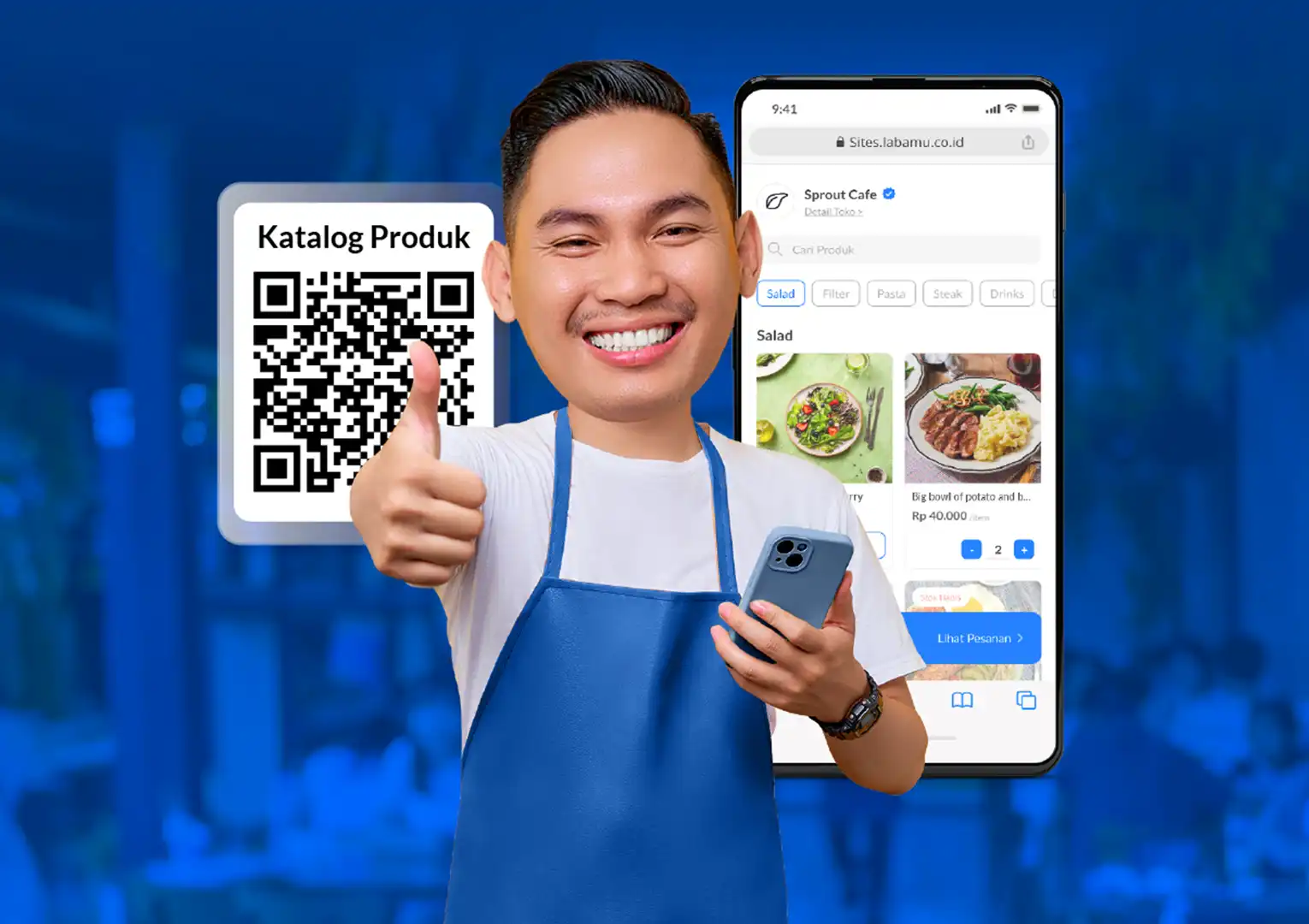
If you are interested in using a QR Menu, but are confused about how to create one, just use the Labamu application which already provides a QR Menu feature.
Here, you can check and adjust incoming orders through the Order Management system, which is integrated with the QR Menu. This will improve the ordering process and the overall customer experience.
Here are some of the advantages if you use the QR Menu feature in Labamu.
- You can easily create QR menus for customers. Once created, you can immediately share the QR code on social media or print it to display in your store.
- With QR Menu, customers can order directly from the provided QR code or through an integrated microsite. This makes the ordering process faster and more convenient.
- You can customize your digital menu theme to your desired look. A design that aligns with your target market will make customers feel comfortable browsing the menu and provide a memorable experience.
How to Create a QR Menu on Labamu
Follow these steps to create a QR Menu in Labamu.
- Log in to the Labamu application on your mobile phone or laptop.
- Go to the “Manage” menu, then select “Online Menu”.
- Go to the “Manage” menu, then select “Online Menu”.
- You can print this QR Menu to display in your store or share it on social media.
Lets’s download the Labamu app on Google Play or the App Store to be able to immediately use the QR Menu feature so that customers can more easily order food and your shop!