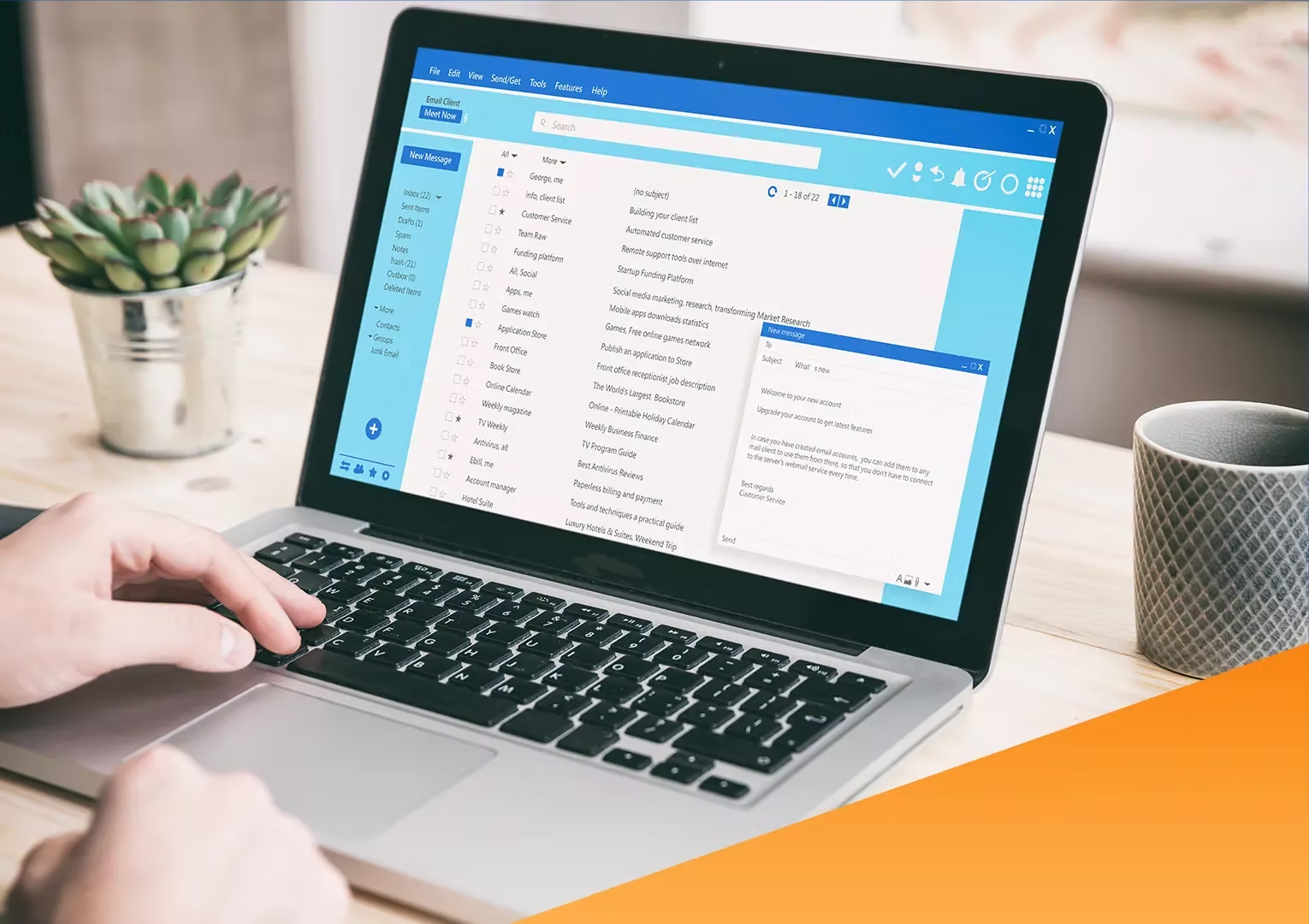

While fulfilling customer orders may seem easy, as your business grows, you might struggle to keep up with a manual system. This is where a business needs an order management system, or OMS.
This approach helps you process more orders, track available stock, analyze and report best-selling items, and restock before items run out.
At Labamu, there’s also an Order Management feature that can help you do all of this. However, before using it, make sure you understand order management first—from its functions and benefits to how to choose the most effective features.
Everything will be explained in this article, so make sure you read it all the way through.
Understanding Order Management
Order management is the tracking of orders from start to finish, as well as the management of people, processes, and data associated with those orders.
From this definition, an order management system, or OMS, is a digital method for managing orders that tracks all information and processes, including order entry, inventory management, fulfillment, and after-sales service.
An OMS provides visibility for both the business and its customers. As a business owner, it gives you near real-time insights into your inventory, while customers can check when their orders will arrive.
Signs That You Need an Order Management System

Before deciding to use an order management system, make sure it’s worth your time and money. Here are six signs that you truly need an order management system:
- Difficulty processing more than 10 orders a day.
- Managing orders from multiple channels, such as e-commerce platforms, marketplaces, and physical stores.
- Fulfilling orders with multiple suppliers or third-party logistics (3PL) partners.
- Making critical mistakes, such as sending the wrong product or shipping to the wrong address.
- Needing days, rather than hours, to fulfill orders and ship them on time.
- Operating without any visibility or reporting in your current process.
Also read: The Meaning of Repeat Orders for Business and How to Create Them
How Does It Work?
Here are the four main stages of the order management cycle.
1. Order Received. Customers from various locations can place orders anytime and make payments.
2. Order Processed. Order information is forwarded, and order processing begins. Once the order is picked or prepared, you need to pack it using the appropriate materials and sizes, then get it ready for shipment.
3. Order Reconciled. Before shipment, the order is recorded in the accounts receivable ledger, and a receipt is sent to the buyer.
4. Order Shipped. When shipped to the customer, each order is assigned a tracking number and shared with the recipient to monitor the delivery status.
Benefits of Having an Order Management System

Here are the benefits of using an order management system for your business.
1. Faster Order Fulfillment and Shipping
The longer it takes to fulfill and ship orders, the longer it takes for them to reach customers. Meanwhile, customers expect their purchases to arrive quickly.
Order management can simplify the picking and packing process by checking available stock, sending order information directly to the hub, and providing customers with real-time updates.
2. Reducing Operational Costs
Order management reduces operational costs by streamlining, automating, and highlighting sales trends. This means you’ll process fewer returns and spend less time correcting order mistakes.
3. Preventing Stock Overages and Shortages
Maintaining the correct stock levels requires careful balance. Too much stock ties up cash in unwanted products, while too little stock risks making customers wait, potentially losing them to competitors.
4. Reducing Order Fulfillment Errors
Human error is a major cause of order fulfillment issues when the process is done manually. Sending the wrong product to a customer can lead to dissatisfaction and logistical problems. An OMS reduces fulfillment errors by automating and synchronizing the process.
5. Generate Accurate Inventory Forecasts
Order management not only tracks current orders but also helps you understand broader sales patterns and trends. This information allows you to generate accurate inventory forecasts.
6. Track Your Business Anywhere, Anytime
An OMS allows you to track your business from anywhere, at any time, using a phone, laptop, or computer. In addition, customers can also purchase and track anything you sell, from anywhere, at any time.
7. Enhancing Customer Service
Customers benefit from real-time automatic updates, so they know exactly when their orders will arrive. Overall, this leads to better customer service and an improved customer experience.
Use the Order Management Feature in Labamu!
If you’re interested in using order management, choose an app with the best Order Management features, like Labamu. Not only will customers find it easier to place orders directly from their smartphones, but you’ll also have an integrated system to check, receive, process, and complete orders—all from a single app.
The advantages of Labamu’s Order Management feature are as follows
1. Real-Time Notifications. Receive instant alerts whenever a new order comes in. Service becomes faster, and customer satisfaction continues to improve.
2. Online or Offline Payments. This feature gives customers the flexibility to choose their payment method, whether via bank transfer, QRIS, virtual account from their phone, or paying directly at the cashier.
3. Sales History With a complete sales history, you can identify which menu items or products are less popular or most favored by customers.
How to Receive Online Orders in Order Management
When using the Order Management feature in Labamu, here’s how to receive orders online.
- Click ‘Manage Orders’ in the ‘Business’ menu.
- Select the order you want to process.
- Check the availability of the menu items or products ordered by the customer.
- Receive payment if it hasn’t been made yet.
- Click ‘Complete Order’ once payment has been made.
That’s an overview of order management, which you can now use in the Labamu app. Download it today on Google Play or the App Store to make processing customer orders easier.