

Imagine you are in a situation like this:
You are busy managing the cashier, supervising PPOB, and monitoring kitchen orders. However, not a single printer is working as it should. There are
This situation is what prompted Labamu to introduce its latest business feature, Labamu Multi Printer. This is a smart solution for you to manage all printers from a single system.

By using this feature, everything can be controlled via a single dashboard. You only need to specify:
- POS receipts on printer A,
- PPOB transaction proofs on printer B,
- Kitchen orders on printer C
- Etc.
This is certainly more practical and efficient, making operations much smoother.
Would you like to know more about Labamu’s latest feature and its benefits? Read this article to the end.
What is Labamu Multi Printer?
Before we delve deeper, you should first understand what Labamu Multi Printer is. As briefly explained above, this is an innovative feature from Labamu that allows you to manage multiple printers simultaneously, either via Bluetooth or LAN, with a single integrated system.
Additionally, you will receive a free e-book titled “Guide to Optimizing Business Operations with the Latest POS Technology.” Here, you can learn how automatic printing, multi-location printer management, smart distribution of digital receipts, and other efficiency strategies can improve your business performance.
- Concise and practical, immediately applicable.
- Complete with ways to maximize the Multi Printer feature.
- Suitable for those who want to be professional without complications.
Advantages of the Multi Printer Feature for your Business

Here are some advantages of Labamu‘s latest feature.
1. Print According to Needs
You simply determine which printer to use for printing POS receipts, PPOB transaction proofs, or orders. However, everything is done from a single interface, making it very simple and fast.
2. Automatic or Manual Printing
You have the option to print automatically immediately after a transaction or manually by clicking a button. Both can be chosen according to your business’s workflow.
3. Connect to Multiple Printers Simultaneously
With just one device, you can connect to various printers via Bluetooth or LAN. This method is ideal for businesses with multiple terminals.
4. Clear and Professional Receipt Arrangement
Regardless of the type, every receipt is printed neatly and is easy to read. This feature will enhance your business’s professional image in the eyes of customers.
5. Digital Receipts in PDF Format
In addition to physical prints, you can also share receipts via PDF through WhatsApp or email. This is a very digital-friendly option and may be preferred by some customers.
6. Real-Time Assistance Notifications
If there are issues such as an offline printer or out-of-paper, the system will immediately provide notifications. This allows you to identify problems faster, leading to quicker resolution.
7. Print According to Cashier Device
If your store has multiple terminals, each transaction can be printed directly to the appropriate printer. This is because everything is centrally controlled.
Benefits of a Centralized Print Management System
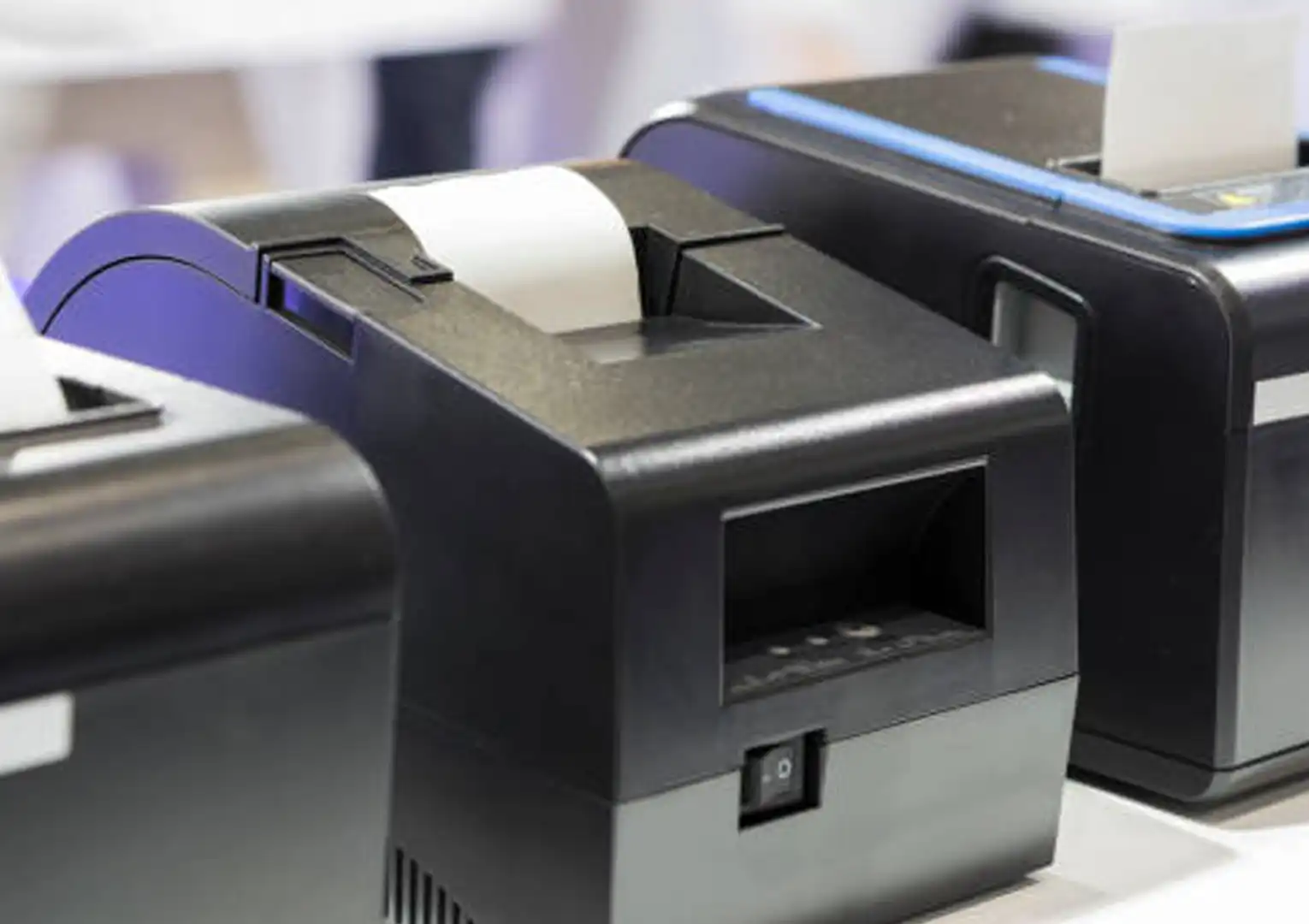
To further convince you to use Labamu’s Multi Printer feature, here is a perspective from trusted practices in the world of print management.
1. Cost and Operational Efficiency
With a centralized print management system, you can:
- Monitor and limit unnecessary printing.
- Implement default duplex or black-and-white printing.
- Take advantage of bulk supplies purchases for discounts.
All of this will increase efficiency and reduce business operational costs.
2. Productivity and Automation
A centralized system enables automation of the print workflow, from routing, printer status monitoring, to mass firmware updates, all from a single dashboard.
This will certainly help your team focus more on business priorities, not printing technicalities.
3. Security and Compliance
User authentication features, secure print release, data encryption, and post-print deletion strengthen information protection, especially for industries with strict regulations, such as healthcare or finance.
4. Sustainability and Environment
Centralized print management can encourage environmentally friendly printing activities, such as duplex usage, print quotas, and the promotion of digital receipts, which reduce paper waste and energy consumption.
Let’s Enhance your Business Efficiency!
Labamu Multi Printer is not just a local solution, but part of a global trend in centralized print management. You will gain benefits similar to large corporations, but on a scale suitable for MSMEs and retail stores.
Furthermore, Labamu simplifies complex technology, making it easy to use. This Multi Printer feature is also one of the most relevant business features for modern operations because:
- Save time and effort with central control.
- Minimize printing errors.
- Faster service to customers, leading to increased satisfaction.
- Print distribution becomes neater and more systematic.
- Ready for digital with PDF sharing as an official option.
- Cost efficiency and environmentally friendly.
In essence, Labamu Multi Printer not only simplifies but is also professional, efficient, and ready to grow with your business. With features such as central printer management, printing flexibility, and operational reliability, it is a real solution for retail businesses, MSMEs, and modern stores.
This feature will be available soon. Download Labamu now to be the first to experience the various benefits of this Labamu Multi Printer feature.